NotificationsSystem
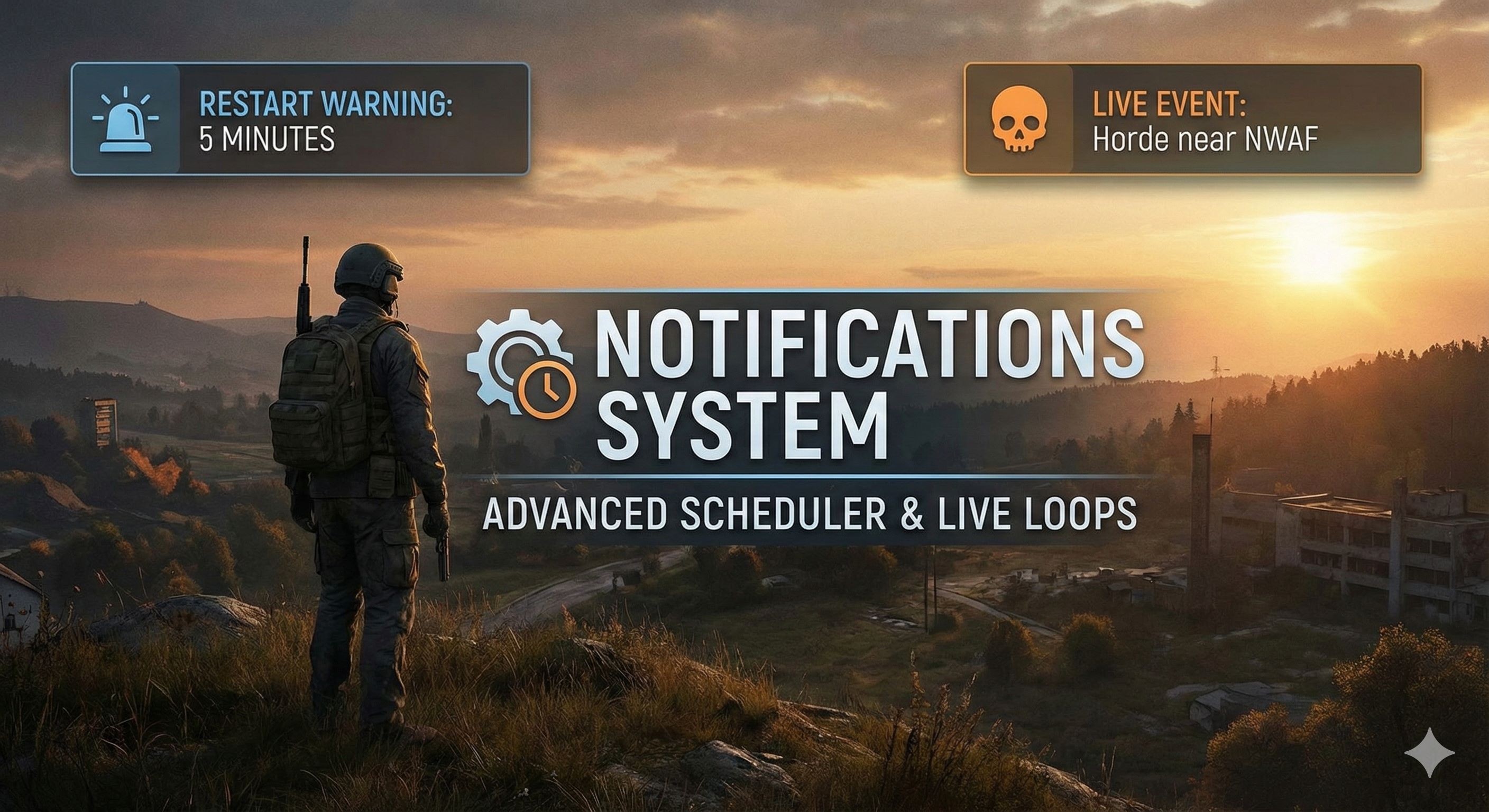
Notifications System - Advanced Scheduler & Live Loops Notifications System is a lightweight, free, and highly configurable mod designed for the DayZ community. Forget about complex configurations or heavy dependencies. This mod intelligently separates messages into two categories: Fixed Schedule (Scheduler) and Live Events (Live Loops). This mod was created with the goal of being simple, effective, and flexible for… (more)
Notifications System - Advanced Scheduler & Live Loops Notifications System is a lightweight, free, and highly configurable mod designed for the DayZ community. Forget about complex configurations or heavy dependencies. This mod intelligently separates messages into two categories: Fixed Schedule (Scheduler) and Live Events (Live Loops). This mod was created with the goal of being simple, effective, and flexible for any server owner. 🔥 Key Features 📅 Scheduler (Fixed Time): Schedule messages at an exact time (e.g., Restarts at 08:00:00). 🔄 Live Loops: Configure messages that repeat every X minutes (e.g., "Join Discord" every 60 min) or unique messages that appear after X amount of server uptime. 👤 Dynamic Variables: Personalize your messages with variables like {PLAYER}, {SERVERNAME}, {TIME}, and {DATE}. ⚡ Hot-Reload: Did you make a mistake in a message? Edit the JSON file while the server is online, and changes will apply automatically within 60 seconds without a restart. 🎁 Welcome Messages: Greet players with personalized welcome notifications when they join your server. 🕐 Time Modes: Choose between UTC time, server local time, or in-game mission time for your scheduled notifications. 🔄 Auto-Migration: Config files automatically backup and migrate when updating to new versions - zero data loss! 📊 Custom Sounds: Includes a default alert sound system that you can change to your liking. 🚀 Optimized: Logic runs 100% on the server, with zero impact on client performance. 🛠️ Admin Guide (Configuration) The configuration file is automatically generated at: $profile:NotificationsSystem\NotificationSettings.json JSON Example: { "ConfigVersion": "1.2", "_INFO_EnableMod": "1 = Mod active - 0 = Mod disabled", "_INFO_Notifications": "For welcome = Ms example 1000 Ms is equal to 1 second = 12000 is 12 seconds", "_INFO_AutoReload": "Hot Reload Live", "_INFO_Variables": "use {PLAYER}, so that it is a personalized message for your players!", "_INFO_UTC": "UTC 1 = UTC time | UTC 0 = Server local time | UseMissionTime 1 = In-game time", "EnableMod": 1, "AutoReload": { "Enable": 1, "UTC": 1, "UseMissionTime": 0, "CheckIntervalSeconds": 60 }, "Notifications_Welcome": { "Enable": 1, "DelayMs": 12000, "Title": "Welcome {PLAYER}", "Text": "Enjoy your stay on {SERVERNAME}!" }, "Notifications_Scheduler": [ { "Hour": 8, "Minute": 0, "Second": 0, "Title": "⚠ RESTART", "Text": "Server restart at {TIME}.", "Color": "" } ], "Notifications_Live": [ { "Notifications_Minute": 5, "Loop": 0, "Title": "Hello {PLAYER}", "Text": "This is a PVE server!", "Color": "" }, { "Notifications_Minute": 0, "Loop": 1, "Loop_Minute": 60, "Loop_Second": 0, "Title": "Community Tip", "Text": "Join our Discord at {SERVERNAME}!", "Color": "" } ] } 🎯 Dynamic Variables You can use these variables in any Title or Text field: {PLAYER} - Player's name (e.g., "Welcome Reash!") {SERVERNAME} - Your server name (e.g., "Join My Server's Discord") {TIME} - Current time HH:MM (e.g., "Restart at 14:30") {DATE} - Current date DD/MM/YYYY (e.g., "Event on 22/01/2026") 🕐 Time Configuration Modes AutoReload section controls how the mod reads time: UTC = 1, UseMissionTime = 0: Uses real UTC time from system UTC = 0, UseMissionTime = 0: Us
Not analyzed yet
modperf has not read this mod's scripts, so there is no report and it is left out of any stack it appears in. 19 live servers in the crawl publish it.
The worker downloads the mod from the Workshop and reads its Enforce Script — nothing is executed. Usually a few minutes. This page then shows the report.