HardlineItemSystem
🔒 Hardline Item System - Reputation-Based Item Restrictions Hardline Item System restricts items based on player reputation from DayZ Expansion Hardline. Create progression systems where players must earn reputation to unlock weapons and gear! 🔥 Key Features 🎯 Reputation Restrictions - Items unlock as players gain reputation 🏷️ Custom Display Names - Show friendly names in UI instead of classnames (e.g., "AK… (more)
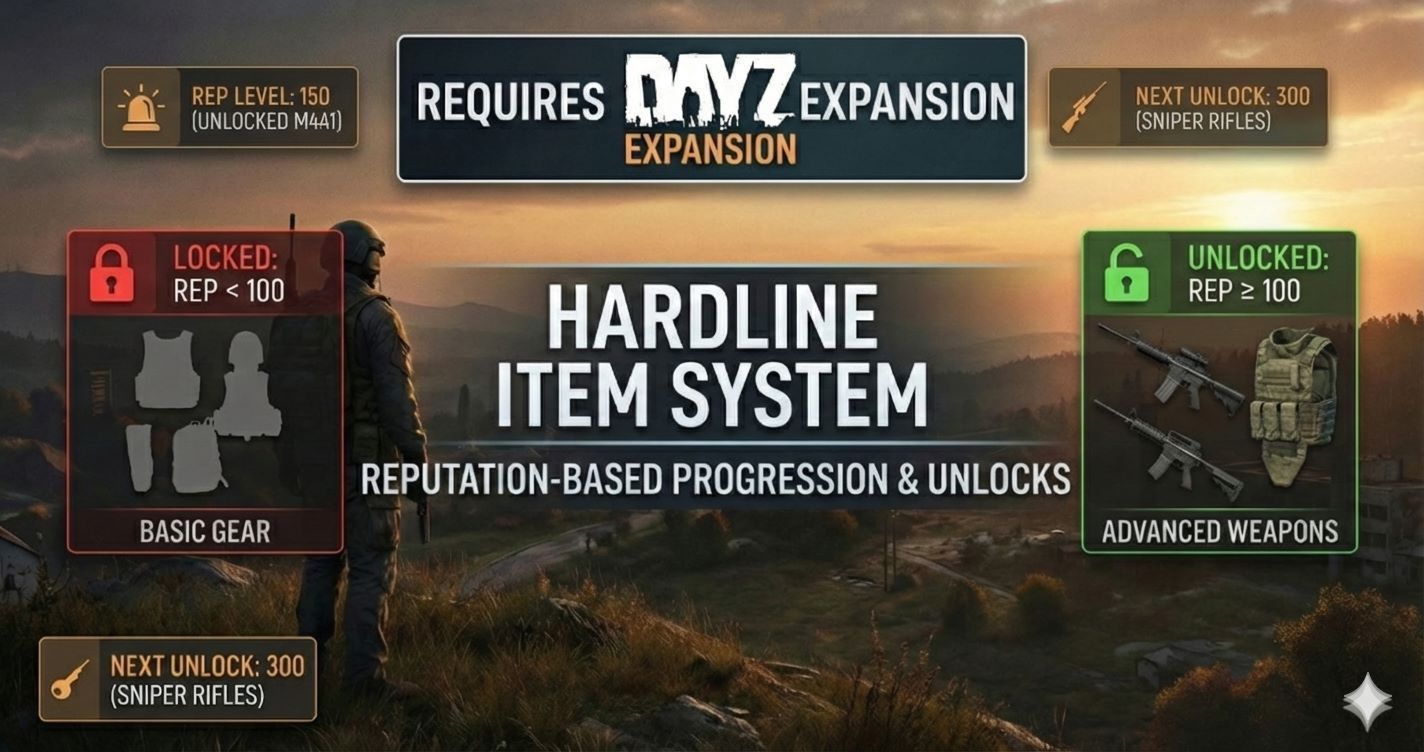
🔒 Hardline Item System - Reputation-Based Item Restrictions Hardline Item System restricts items based on player reputation from DayZ Expansion Hardline. Create progression systems where players must earn reputation to unlock weapons and gear! 🔥 Key Features 🎯 Reputation Restrictions - Items unlock as players gain reputation 🏷️ Custom Display Names - Show friendly names in UI instead of classnames (e.g., "AK Rifles", "Premium Gear") 🖼️ Custom Preview Items - Choose which item variant displays in the 3D preview 🔄 Group Matching - One pattern captures all variants (AKM → AKM_Black, AKM_Gold, etc.) 🎒 Transportable System - Allow items in backpacks without equipping them 📊 Visual UI with 3D Rotation - Press H for rotating 3D previews and unlock status 📑 Auto Level Headers - Items organized by reputation level automatically 🎨 Color-Coded Tooltips - Green = Unlocked, Red = Locked (ground + inventory) 🌍 14 Languages Supported - English, Russian, German, Spanish, French, Chinese, Japanese, and more 🔄 Auto-Translation - Adapts to each player's language configuration automatically ⚡ Real-Time Sync - Auto-sends data on player connect 🔄 Auto-Sorting - Low to high reputation order ⚙️ Hot-Reload - Edit JSON live, changes apply in 60 seconds 🛡️ Server-Side - No client exploits possible 🔐 Auto-Version Migration - Configs automatically upgrade with backups 📋 Requirements REQUIRES DayZ Expansion Hardline! Install either: DayZ Expansion Bundle DayZ Expansion Hardline ⚙️ Configuration (v2.0) Auto-generates at: ServerProfile/HardlineItemSystem/HardlineItemConfig.json Quick Example (Basic): { "ConfigVersion": "2.0", "RefreshConfig": 30, "Admins": ["YourSteamID64"], "HardlineGroups": [ { "Items": "Pistols Tier 1", "DisplayName": "Tier 1 Pistols", "DisplayPic": "Glock19", "HardlineMin": 20, "saveintheinventory": 0, "useGroupMatching": 0, "Alloweditems": ["Glock19", "MakarovIJ70"] }, { "Items": "All AKM Variants", "DisplayName": "AK Rifles", "DisplayPic": "AKM", "HardlineMin": 40, "saveintheinventory": 1, "useGroupMatching": 1, "Alloweditems": ["AKM"] } ] } Advanced Example (Group Matching): { "Items": "Military Helmets Collection", "DisplayName": "Military Helmets", "DisplayPic": "Mich2001Helmet", "HardlineMin": 500, "saveintheinventory": 0, "useGroupMatching": 1, "Alloweditems": [ "Mich2001Helmet", "GorkaHelmet", "SSh68Helmet" ] } Field Descriptions: DisplayName - Friendly name shown in UI/tooltips (optional, uses Items if empty) DisplayPic - Item classname for 3D preview (optional, uses first Alloweditem if empty) HardlineMin - Minimum reputation required saveintheinventory - 0 = blocked, 1 = can carry in backpack (not equip) useGroupMatching - 0 = exact match only, 1 = captures all variants with pattern Alloweditems - Item classnames or patterns (with useGroupMatching=1) Rules: Unlimited levels - any number works (10, 999, 50000...) Unlimited items per group Classnames are case-sensitive Auto-reload every 30-60 seconds (configurable) Old v1.0 configs auto-migrate to v2.0 with
Not analyzed yet
modperf has not read this mod's scripts, so there is no report and it is left out of any stack it appears in. 2 live servers in the crawl publish it.
The worker downloads the mod from the Workshop and reads its Enforce Script — nothing is executed. Usually a few minutes. This page then shows the report.