LootManagerPlus
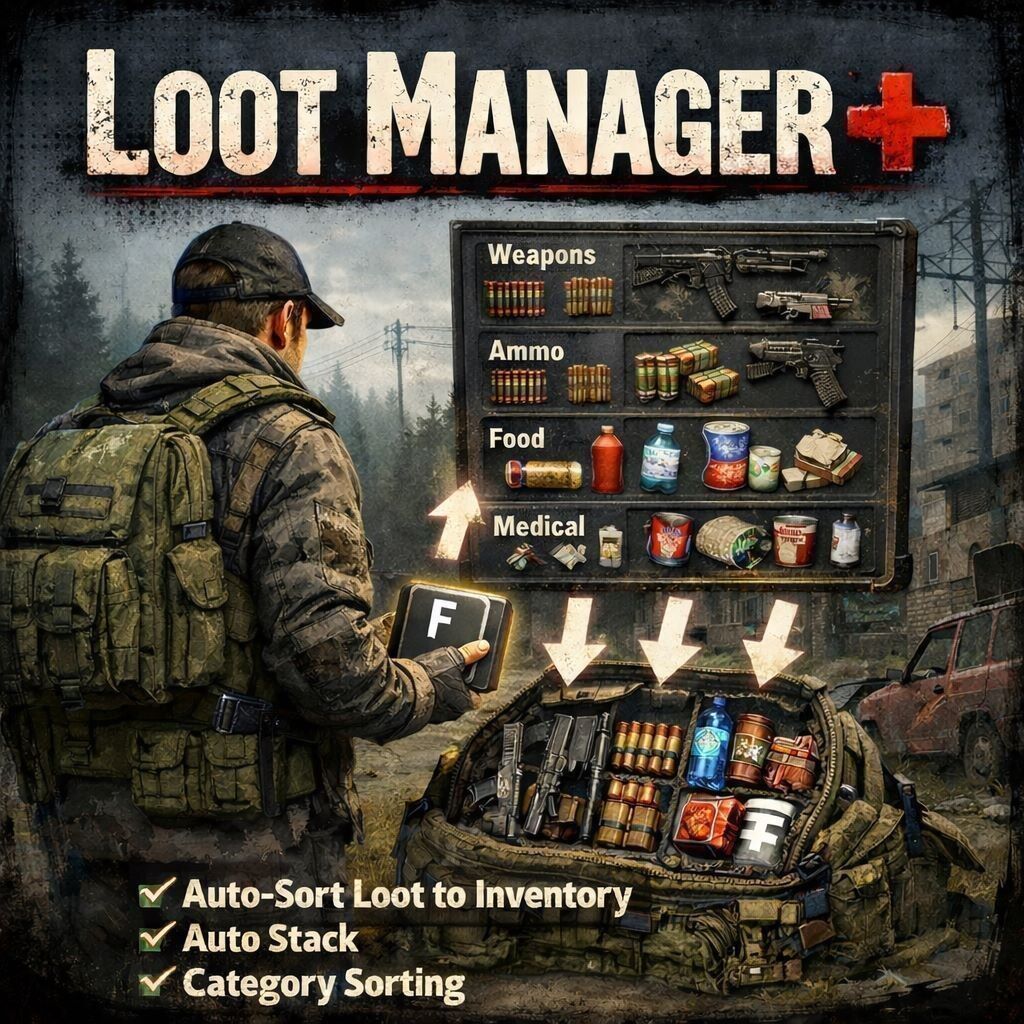
Welcome to my new Mod! LootManager Plus! What is this? This mod simplifies the collection of loot in the environment. With many great features! If a player does not want to use the feature, it can be completely disabled in the options! Features: ➡️- ingame Menu for category ➡️- config file in your profile folder ➡️- Move Loot from inveotry to other container and vice versa! ➡️- Drop Loot on the Ground ➡️- Use… (more)
Welcome to my new Mod! LootManager Plus! What is this? This mod simplifies the collection of loot in the environment. With many great features! If a player does not want to use the feature, it can be completely disabled in the options! Features: ➡️- ingame Menu for category ➡️- config file in your profile folder ➡️- Move Loot from inveotry to other container and vice versa! ➡️- Drop Loot on the Ground ➡️- Use Keybinds or Inventory Icons ➡️- stack function ➡️-Hover function ➡️- you can lock each container or unlock ➡️- Multilanguage support ➡️- and more Config File =============================================================================== LOOTMANAGERPLUS - CONFIG.JSON PARAMETERS ================================================================================ The config file is located at: $profile/LootManagerPlus/config.json It will be automatically created on first mod load. ================================================================================ PARAMETER LIST ================================================================================ 1. version -------- Type: string Default: "1.0.0" Description: Config file version number. Used internally for automatic config updates when the mod is updated to a newer version. Do not modify manually. -------------------------------------------------------------------------------- 2. enabled ------- Type: boolean (true/false) Default: true Description: Master switch to enable or disable the entire mod. - true = Mod is active, all features work - false = Mod is completely disabled Example: "enabled": false -------------------------------------------------------------------------------- 3. sortItemsByCategory -------------------- Type: boolean (true/false) Default: true Description: When enabled, items are automatically sorted by category priority during transfer operations. Items are transferred in this order: Priority 1: Weapons (Rifles, Pistols, Melee weapons) Priority 2: Attachments (Optics, Suppressors, Stocks, Handguards) Priority 3: Ammo (All ammunition types) Priority 4: Mags (Magazines) Priority 5: Medical (Bandages, Morphine, Blood bags, Pills) Priority 6: Food (Food, Drinks, Cans) Priority 7: Tools (Batteries, Radios, Flashlights, Repair items) Priority 8: Clothes (All clothing, Backpacks, Vests) Priority 9: Boxes (Containers, Crates, Barrels, Tents) Priority 10: Materials (Everything else) Example: "sortItemsByCategory": true -------------------------------------------------------------------------------- 4. blacklistedItems ----------------- Type: array of strings Default: ["Land_", "dz_", "Static_", "Wreck_"] Description: List of item classname prefixes that will be excluded from all transfer and drop operations. Any item whose classname CONTAINS one of these strings will be ignored. Default entries explained: - "Land_" = Excludes terrain and building objects - "dz_" = Excludes DayZ internal/system objects - "Static_" = Excludes static world objects - "Wreck_" = Excludes vehicle wrecks You can add custom entries to blacklist specific items: Example: "blacklistedItems": [ "Land_", "dz_", "Static_", "Wreck_", "SomeModdedItem", "AnotherItem" ] Planned - i don´t know at the moment what do u need? Load it client side Repacking: It´s not allowed to repack this mod! Do not use this mod in your server package! Do not change or use the code from this Modifikation. - Join my Discord for Repacking and ask me! Discord:🚀 htt
Not analyzed yet
modperf has not read this mod's scripts, so there is no report and it is left out of any stack it appears in. 7 live servers in the crawl publish it.
The worker downloads the mod from the Workshop and reads its Enforce Script — nothing is executed. Usually a few minutes. This page then shows the report.