NVG Restricted Zones
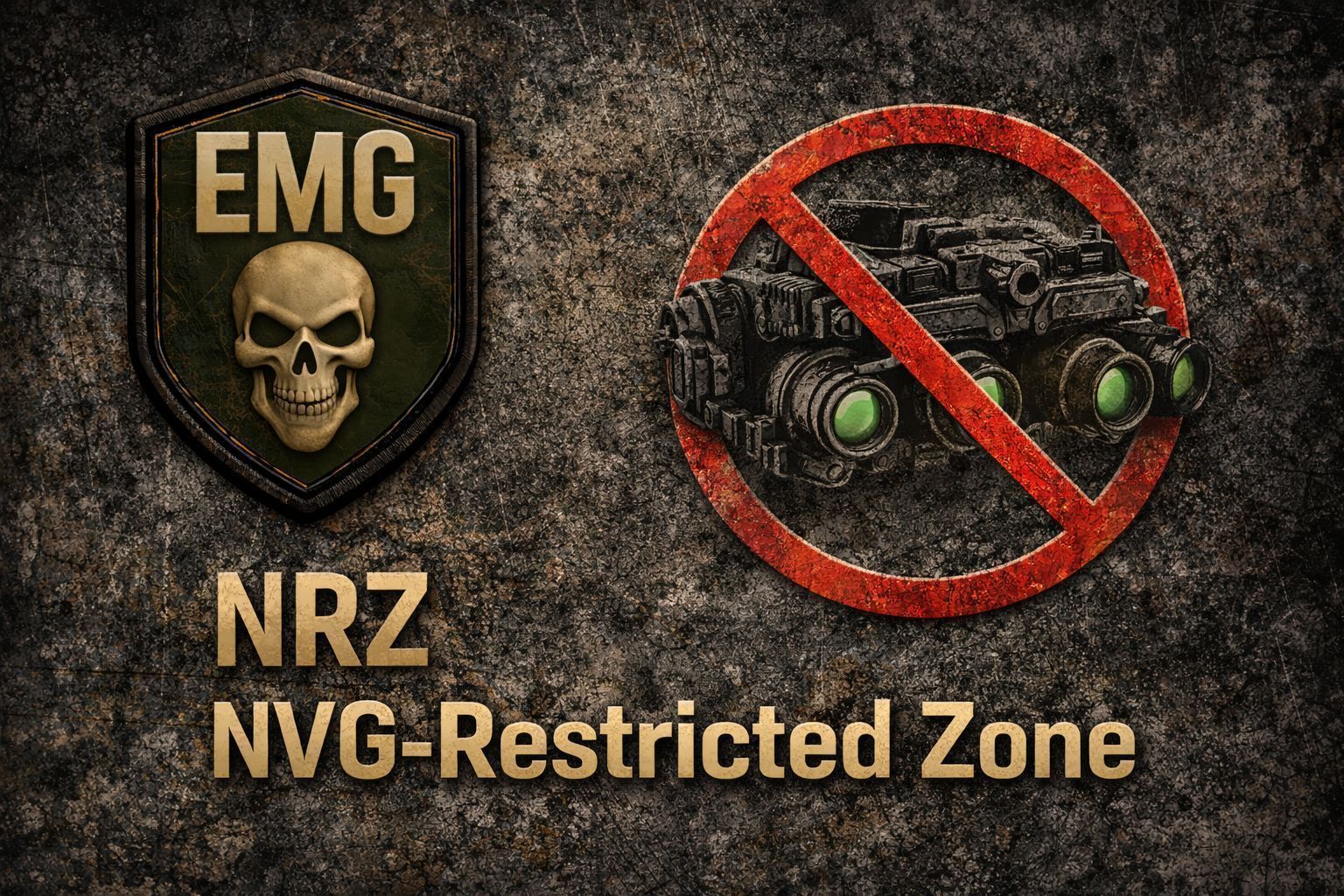
NVG Restricted Zones Designate areas on your server where Night Vision Goggles are completely disabled. When a player enters a restricted zone wearing NVGs, the mod physically removes them from the player's head and stores them safely in their inventory. When the player leaves the zone, the NVGs are automatically returned to their worn slot. No scripts, no timers — players simply cannot use night vision inside your… (more)
NVG Restricted Zones Designate areas on your server where Night Vision Goggles are completely disabled. When a player enters a restricted zone wearing NVGs, the mod physically removes them from the player's head and stores them safely in their inventory. When the player leaves the zone, the NVGs are automatically returned to their worn slot. No scripts, no timers — players simply cannot use night vision inside your restricted areas. Features Define unlimited circular zones via a simple JSON config file Automatically removes NVGs on zone entry and restores them on exit Prevents re-equipping NVGs while inside a zone Drops NVGs on the ground if the player's inventory is full (with a warning message) Fully customisable entry, exit, removal, restoration, and reminder messages per zone Optional periodic reminder messages while inside a zone Works with vanilla, MMG, and Ballerz NVGs out of the box — no class list required Configurable check interval and message duration Installation Step 1 — Install the mod Add @NVGRestricted to your server's mod list as usual. Step 2 — It will auto create the config folder For example, if your server uses -profiles=C:\DayZServer\profiles, it will create: C:\DayZServer\profiles\NVGRestricted\ Step 3 — Configure your zones Edit zones.json to define your restricted areas, then restart the server. zones.json — Full Example with Explanations { "checkInterval": 3.0, "msgDuration": 5.0, "reminderInterval": 60.0, "zones": [ { "name": "Restricted Zone 1", "x": 7200.0, "y": -1.0, "z": 7400.0, "radius": 500.0, "showMsgEnter": true, "showMsgExit": true, "msgEnter": "WARNING: You have entered an NVG-restricted zone. Night vision is disabled here.", "msgExit": "You have left the NVG-restricted zone. Night vision restored.", "msgReminder": "REMINDER: You are in an NVG-restricted zone. Night vision is disabled.", "msgNVGRemoved": "Your night vision has been removed and stored in your inventory.", "msgNVGRestored": "Night vision equipped.", "msgInventoryFull": "Your inventory is full -- Your NVGs have been dropped." } ] } Global settings (top level): checkInterval — How often (in seconds) the server checks player positions. Lower = more responsive but higher CPU cost. Recommended: 2–5 msgDuration — How long notification messages stay on the player's screen (seconds) reminderInterval — How often (in seconds) the reminder message is shown to players already inside a zone. Set to 0 to disable reminders Per-zone settings: name — A label for this zone (used in server logs) x / z — The centre of the zone in world coordinates (use a map tool to find your coordinates) y — Height in metres above sea level. Set to -1 to ignore height and use a flat 2D circle instead of a sphere radius — The radius of the zone in metres showMsgEnter — true/false — whether to show the entry message showMsgExit — true/false — whether to show the exit message msgEnter — Message shown when a player enters the zone msgExit — Message shown when a player leaves the zone msgReminder — Message shown periodically while the player is inside the zone (controlled by reminderInterval) msgNVGRemoved — Message shown when NVGs are moved to the player's inventory msgNVGRestored — Message shown when NVGs are returned to the player on zone exit msgInventoryFull — Message shown when there is no inventory space — NVGs will be dropped on the ground You can add as many zones as you like by ad
Not analyzed yet
modperf has not read this mod's scripts, so there is no report and it is left out of any stack it appears in. 2 live servers in the crawl publish it.
The worker downloads the mod from the Workshop and reads its Enforce Script — nothing is executed. Usually a few minutes. This page then shows the report.