TerritoryLimits
TerritoryLimits Restrict item placement within territory zones around flag poles. The mod is still in development,expect bugs Overview TerritoryLimits gives server admins full control over what and how many items players can place inside territory flag zones. Features No wipe needed,just on BASElog will be the Owner name Unknown if you have already bases on the map,but if is not a problem for you,you can run like… (more)
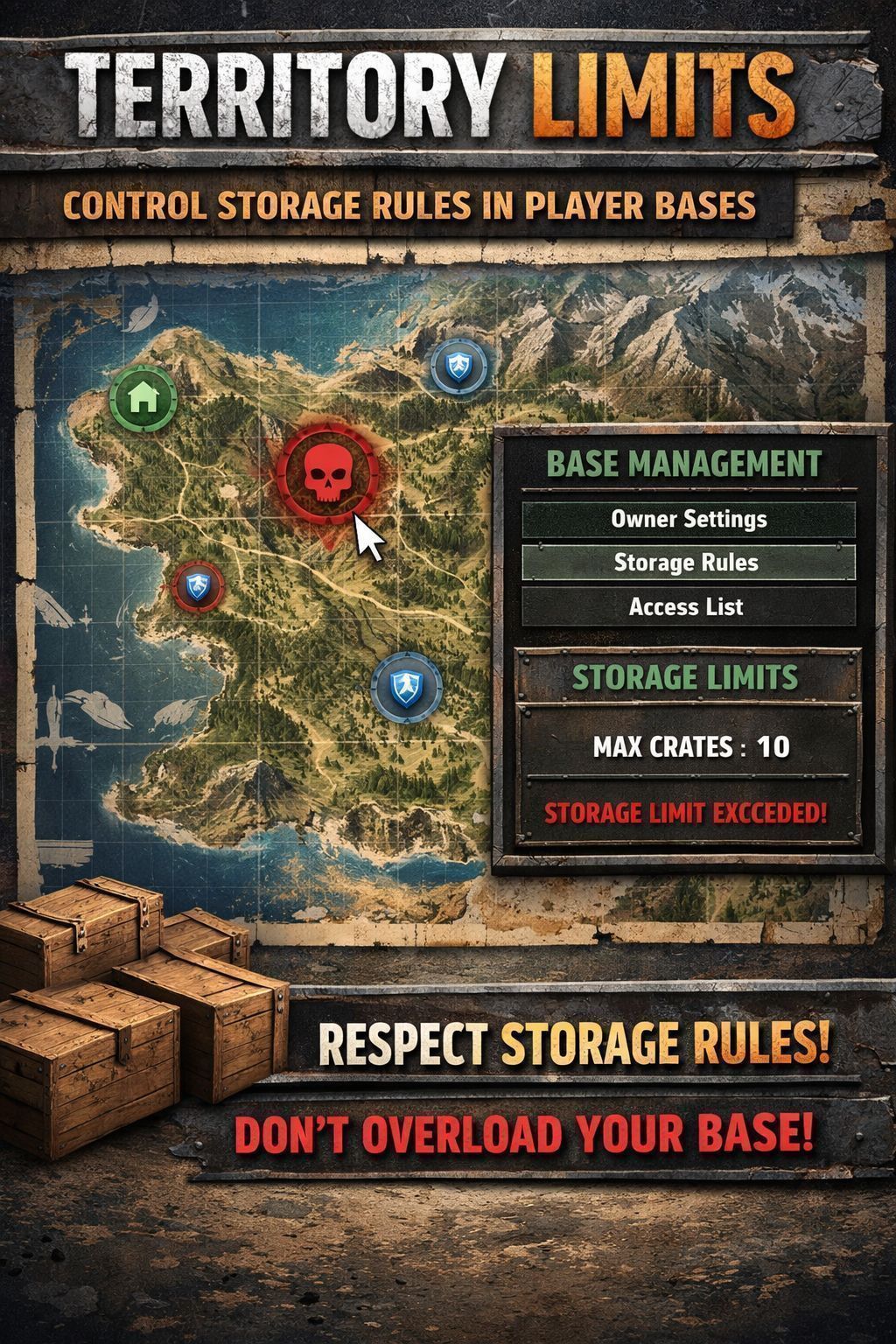
TerritoryLimits Restrict item placement within territory zones around flag poles. The mod is still in development,expect bugs Overview TerritoryLimits gives server admins full control over what and how many items players can place inside territory flag zones. Features No wipe needed,just on BASElog will be the Owner name Unknown if you have already bases on the map,but if is not a problem for you,you can run like that. Custom Rules — Create rules for any item class (Barrels, Sea Chests, Watchtowers, Walls, etc.) with configurable placement limits Zone Configuration — Define territory zones with custom radius, supports both sphere and cylinder shapes Automatic Enforcement — When a player exceeds a rule limit, the item gets a deletion timer with persistent on-screen notifications Configurable Deletion Timer — Set how long players have to pick up an over-limit item before it gets deleted (default: 5 minutes) Player Notifications — Vanilla-style notification popups warn players when they exceed a limit, with a reminder 2 minutes before deletion Zone Panel — Players can check current zone limits by interacting with a territory flag, shows item counts vs limits with color-coded status Interactive Map — Zone panel includes an optional map overlay showing the flag position and nearby items Full Admin GUI — In-game admin panel to manage rules, zones, settings, and monitor all bases on the server Admin Base Monitor — View all territory flags on the server with owner info, rule status, and one-click teleport Admin Bypass — Admins with bypass permission can place items without restrictions Persistent Logging — Detailed log file written to server profile for debugging and monitoring Installation Server Setup: CLIENT AND SERVERSIDE Subscribe to the mod on Steam Workshop Add @TerritoryLimits to your server's mod list (startup parameters) Start the server — config files will be auto-generated in $profile/TerritoryLimits/ Stop the server and edit Admins.json to add your Steam64 UID (see Admin Setup below) Restart the server Admin Setup After first launch, edit the file: $profile/TerritoryLimits/Admins.json Add your Steam64 UID as a superadmin or with specific permissions: Permissions: tl.edit — Can open and edit the admin panel (rules, zones, settings) tl.bypass — Can place items without any restrictions How to Use Admin Panel Press Ctrl+X to open the admin panel (requires tl.edit permission) Rules Tab — Add or remove rules, set item classes and limits Settings Tab — Configure display options, territory zones, and the deletion timer Bases Tab — View all territory flags on the server with owner info and rule status. Double-click a base to teleport to it Player Zone Check Walk up to a territory flag and use the "Check Zone Limits" action A panel will show all active rules with current item counts vs limits Green = within limit, Red = limit reached or exceeded Placement Enforcement When a player places or drops an item that exceeds a rule limit, the item stays on the ground but a deletion timer starts The player receives a notification showing how much time they have to pick it up A warning notification appears again 2 minutes before deletion If the player picks up the item before the timer expires, the timer is cancelled If the timer expires, the item is automatically deleted
Not analyzed yet
modperf has not read this mod's scripts, so there is no report and it is left out of any stack it appears in. 6 live servers in the crawl publish it.
The worker downloads the mod from the Workshop and reads its Enforce Script — nothing is executed. Usually a few minutes. This page then shows the report.