SimpleRenamer
SimpleRenamer Server & Client controlled item renaming for DayZ Very Lightweight...180KB :) SimpleRenamer lets server owners rename vanilla and modded items using simple JSON files. Change item names, edit item descriptions, keep everything organised by category, and sync the changes from the server to players automatically. Important The server loads the JSON rename files and controls the rename data. Players also… (more)
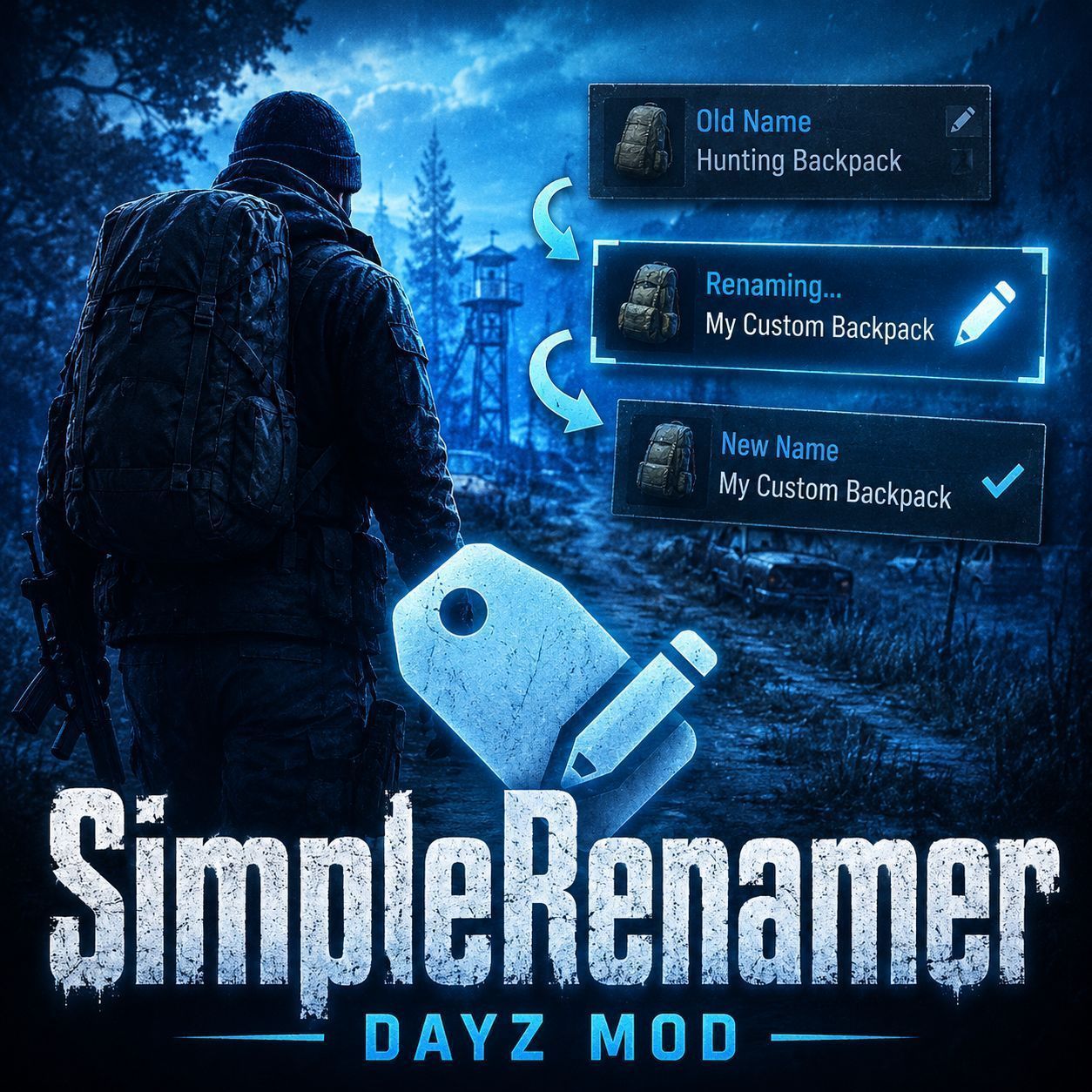
SimpleRenamer Server & Client controlled item renaming for DayZ Very Lightweight...180KB :) SimpleRenamer lets server owners rename vanilla and modded items using simple JSON files. Change item names, edit item descriptions, keep everything organised by category, and sync the changes from the server to players automatically. Important The server loads the JSON rename files and controls the rename data. Players also need the mod loaded so their game can display the custom names and descriptions in the UI. Load order: Put @SimpleRenamer after any mod whose item names or descriptions you want to override. What does it do? SimpleRenamer allows you to change how items appear in-game. You can use it to: Rename vanilla DayZ items Rename modded items Change item inspect descriptions Organise entries into clean JSON files Separate vanilla and modded rename configs Sync all active rename data from the server to clients No hardcoded mod support is needed. If the classname is correct, SimpleRenamer can rename it. How it works SimpleRenamer uses JSON files stored in your server profile folder. On server startup, it: Creates the required folders and files if they do not exist Loads all vanilla and modded JSON files Merges all rename entries into one active list Logs loaded entries and duplicate overwrites Syncs the rename data to players when they connect Clients then use the synced data to display the custom names and descriptions in-game. Folder structure SimpleRenamer creates and uses these profile folders: profiles/SimpleRenamer/vanilla/ profiles/SimpleRenamer/modded/ Each folder contains the same category files: weapons.json clothing.json vehicles.json consumables.json tools.json containers.json attachments.json misc.json This keeps your rename setup clean, organised, and easy to maintain. JSON example Each file uses a simple classname-based format. Example: { "entries": { "M4A1": { "name": "Service Carbine", "description": "Standard issue rifle with a revised field label." } } } The classname must match the item classname exactly. Features Rename vanilla items Rename modded items Edit item descriptions JSON-only configuration Separate vanilla and modded folders Per-category JSON files Server-side loading and merging Server-controlled client sync Client-side UI name overrides Client-side UI description overrides No detection system No requiredAddons for target mods Duplicate overwrite logging Clear file load and sync logging Lightweight runtime lookup system Compatibility SimpleRenamer does not require direct dependencies on the mods you want to rename items from. That means: No target mod patching needed No detection system No requiredAddons for renamed content Works with vanilla and modded items Only needs the correct classname As long as the target item exists and the classname is correct, the rename override can be applied. Performance SimpleRenamer is lightweight. JSON files load on server startup Rename entries are merged once into memory Clients receive the rename data when they connect Gameplay uses simple lookup logic This makes it suitable for both small vanilla servers and larger modded servers. Best suited for Community servers Roleplay servers Hardcore servers Custom economy servers Servers with modded gear packs Server owners who
Not analyzed yet
modperf has not read this mod's scripts, so there is no report and it is left out of any stack it appears in. 1 live server in the crawl publishes it.
The worker downloads the mod from the Workshop and reads its Enforce Script — nothing is executed. Usually a few minutes. This page then shows the report.