NoobKillFeed
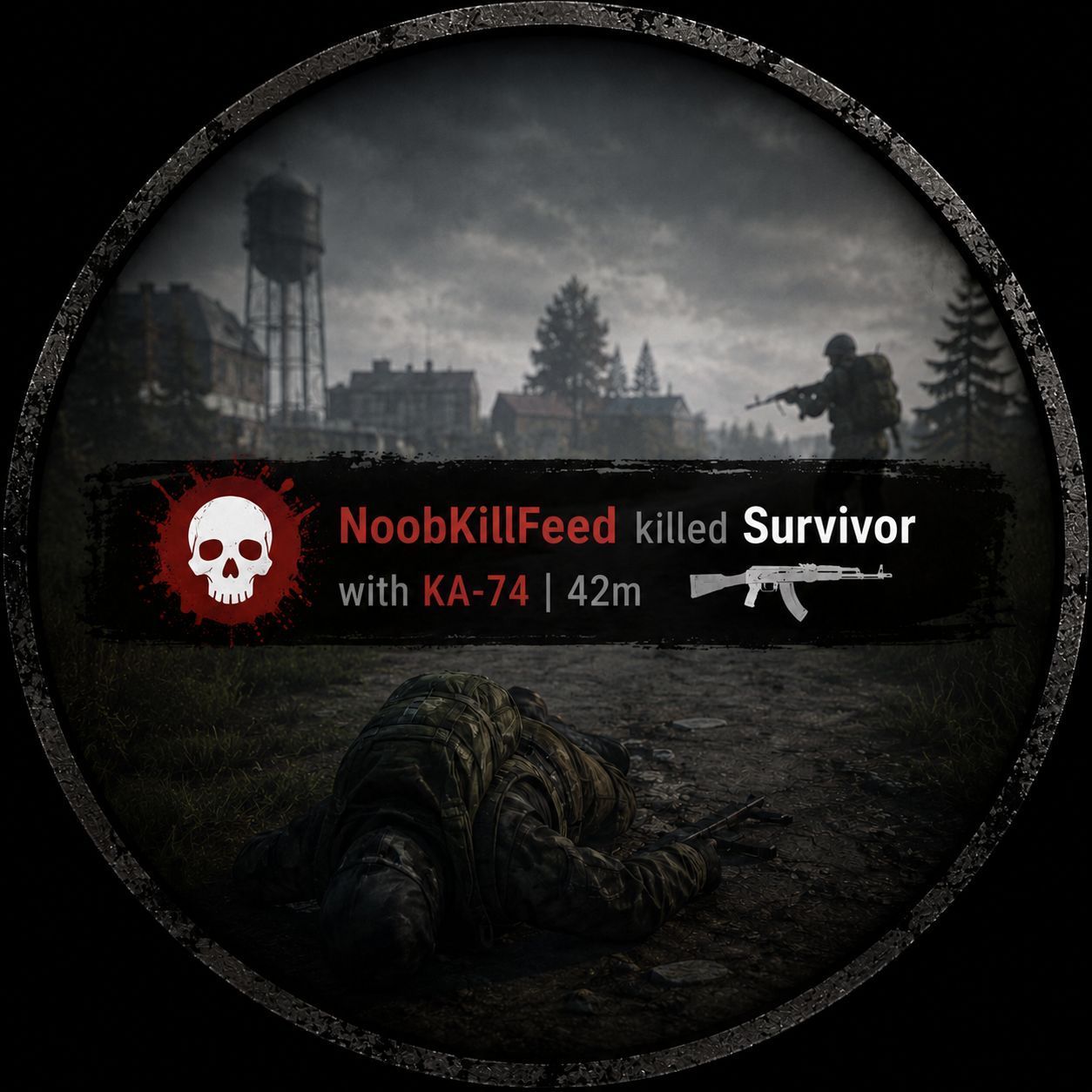
NoobKillFeed See every death on the server, the moment it happens. NoobKillFeed adds a clean, graphical kill feed to the top-right corner of your screen. Player kills show the killer, a live 3D preview of the weapon used, the distance of the shot, and the victim — while environmental deaths (zombies, bleeding, falls, vehicles, explosions and more) get their own clear one-line notice. Features Graphical PvP kills —… (more)
NoobKillFeed See every death on the server, the moment it happens. NoobKillFeed adds a clean, graphical kill feed to the top-right corner of your screen. Player kills show the killer, a live 3D preview of the weapon used, the distance of the shot, and the victim — while environmental deaths (zombies, bleeding, falls, vehicles, explosions and more) get their own clear one-line notice. Features Graphical PvP kills — shows Killer | 3D weapon model | distance | Victim in a compact panel, so you can see exactly who killed whom, with what, and from how far. Live 3D weapon preview — the actual in-game weapon model is rendered right in the feed, not just text. Full death coverage — separate, color-themed messages for every death cause: PvP (player vs player) Infected (zombies) Animal (bears, wolves and other wildlife) Bleeding Falls Suicide Vehicle (run over / crash, with the driver named when available) Explosions (grenades, mines, claymores, C4 — named by type) Per-type on/off switches — admins can enable or disable any death category independently. Configurable colors — each death category has its own RGBA color, applied live to the feed text. Fully customizable messages — every line is a template you can rewrite, with {victim}, {killer}, {weapon} and {distance} placeholders. Distance & weapon toggles — choose whether to show the shooting distance and weapon name. Tidy on-screen stack — limits how many entries are visible at once and fades them after a configurable time. Server-driven — all death detection happens on the server and is broadcast to every player, so the feed stays consistent and cheat-resistant. Requirements NoobKillFeed has no external mod dependencies — it only needs the base game (Game, World and Mission modules). Just add it to your mod line and it works. Installation (Server) Subscribe to NoobKillFeed. Add the mod to your server's mod line, e.g. @NoobKillFeed. Start the server once to generate the configuration file. The file will be created at: $profile:NoobMods\NoobKillFeed\Config.json Configuration { "EnablePvP": 1, "EnableInfected": 1, "EnableBleeding": 1, "EnableFall": 1, "EnableSuicide": 1, "EnableVehicle": 1, "EnableExplosion": 1, "EnableAnimal": 1, "ShowWeapon": 1, "ShowDistance": 1, "MaxEntries": 5, "DisplayTime": 10.0, "MsgPvP": "{victim} was killed by {killer} with {weapon} ({distance}m)", "MsgInfected": "{victim} was killed by an Infected", "MsgBleeding": "{victim} bled out", "MsgFall": "{victim} fell to their death", "MsgSuicide": "{victim} committed suicide", "MsgVehicle": "{victim} was run over by {killer}", "MsgExplosion": "{victim} died in an explosion ({weapon})", "MsgAnimal": "{victim} was killed by a wild animal", "MsgUnknown": "{victim} died", "ColorPvP": "220,50,50,255", "ColorInfected": "255,200,0,255", "ColorBleeding": "255,120,50,255", "ColorFall": "180,180,180,255", "ColorSuicide": "140,140,140,255", "ColorVehicle": "80,160,255,255", "ColorExplosion": "255,80,0,255", "ColorAnimal": "200,140,60,255", "ColorUnknown": "200,200,200,255" } Field Value Description EnablePvP … EnableAnimal 1 / 0 Turn each death category on (1) or off (0). ShowWeapon 1 / 0 Show the 3D weapon model in the PvP entry. ShowDistance
Not analyzed yet
modperf has not read this mod's scripts, so there is no report and it is left out of any stack it appears in. 1 live server in the crawl publishes it.
The worker downloads the mod from the Workshop and reads its Enforce Script — nothing is executed. Usually a few minutes. This page then shows the report.