NoobMessages
NoobMessages Keep your players informed, automatically. NoobMessages is a lightweight server-side announcement system for DayZ. Greet players the moment they connect, schedule messages at exact times of day (restarts, events), and broadcast recurring reminders on a loop — all from a single configuration file, with live placeholders for the player name, server name, time and date. Features Welcome message — a… (more)
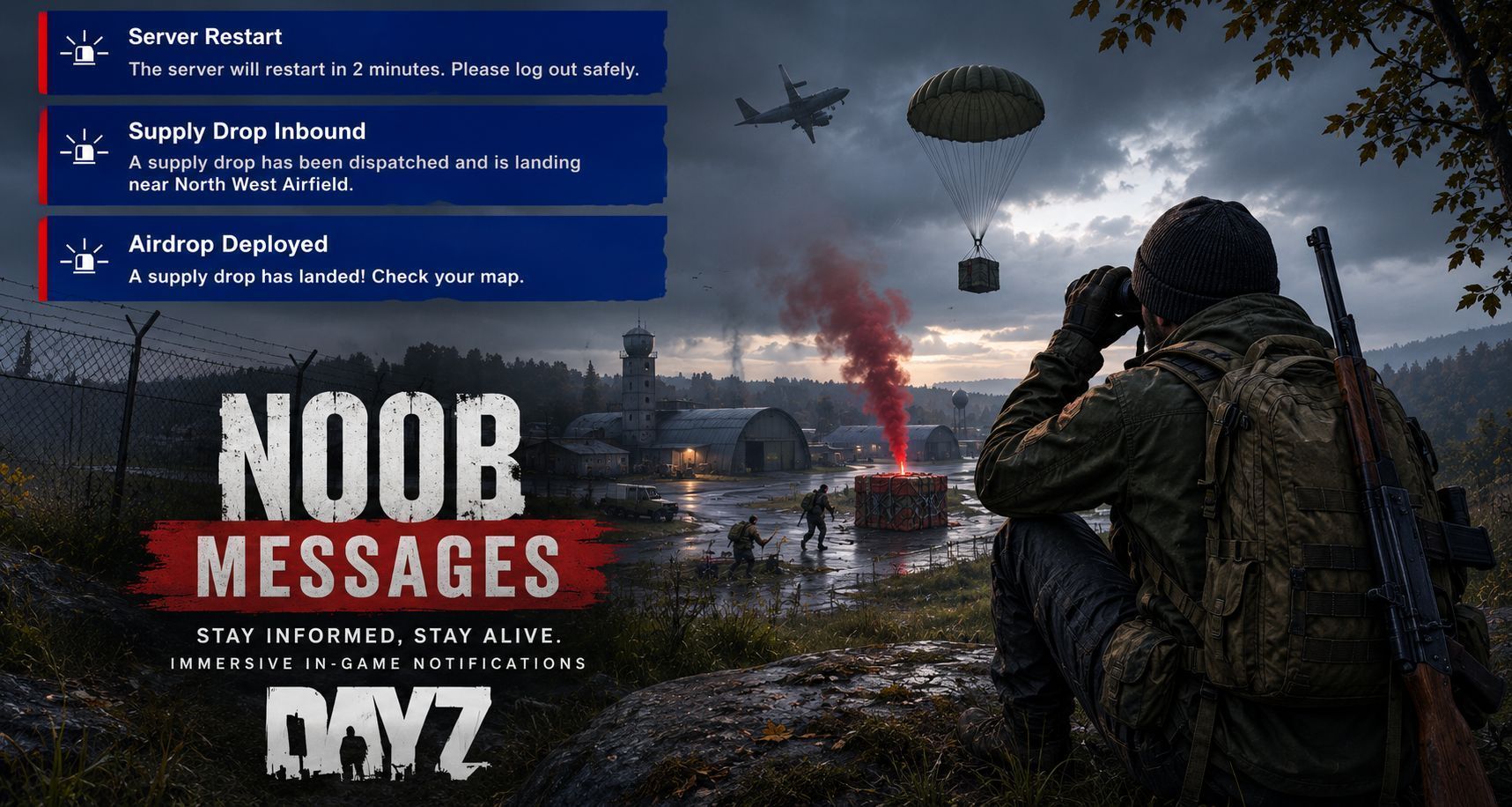
NoobMessages Keep your players informed, automatically. NoobMessages is a lightweight server-side announcement system for DayZ. Greet players the moment they connect, schedule messages at exact times of day (restarts, events), and broadcast recurring reminders on a loop — all from a single configuration file, with live placeholders for the player name, server name, time and date. Features Welcome message — a personalized notification shown to each player shortly after they join, with a configurable delay. Scheduler (fixed time of day) — fire a message at an exact HH:MM:SS (e.g. an 08:00 restart warning or a 20:00 night event). Each entry triggers once per day and re-arms automatically. Live messages (loop or one-shot) — broadcast on a repeating interval (minutes + seconds) or once after a set amount of server uptime. Perfect for rules reminders and Discord invites. Automatic per-player localization — every message ships translated in 14 languages. Each player sees the text in their own game language automatically — the admin never edits a single word. Defaults to English for any language not covered. (See Localization below.) Dynamic placeholders — drop these into any title or text and they are resolved per player at send time: {PLAYER} — the player's name (Welcome messages) {SERVERNAME} — the server host name {TIME} — current time (HH:MM) {DATE} — current date (DD/MM/YYYY) Ready-made restart warnings — out of the box, ships a full set of restart countdowns (1h / 30m / 15m / 10m / 5m / 2m) for a 4-hour restart cycle, in every supported language. Flexible time source — choose UTC, the host machine's local time, or the in-game (mission) time for the Scheduler. Live config hot reload — edit the JSON while the server is running and NoobMessages picks up the changes automatically, no restart required. Unlimited entries — add as many Scheduler and Live messages as you like; each one is independent. Server-driven — all timing happens on the server and is pushed to every online player, so announcements stay consistent for everyone. Lightweight — no noticeable impact on client or server performance. Optional integration: if NoobNotifications is also loaded, NoobMessages messages are displayed using its custom notification layout. Without it, messages fall back to the standard DayZ notification popup. Installation (Server) Subscribe to NoobMessages. Add the mod to your server's mod line, e.g. @NoobMessages (place @NoobNotifications before it if you use it). Start the server once to generate the configuration file. The file will be created at: $profile:NoobMods\NoobMessages\Config.json Configuration Everything lives in Config.json. Whatever you type in a Title or Text is shown to players exactly as written — only the four placeholders change at runtime. To translate, just type in your language. { "EnableMod": 1, "AutoReload": { "Enable": 1, "UTC": 1, "UseMissionTime": 0, "CheckIntervalSeconds": 60 }, "Welcome": { "Enable": 1, "DelayMs": 120000, "Title": "Welcome, {PLAYER}!", "Text": "Welcome to {SERVERNAME}! Enjoy your stay." }, "Scheduler": [ { "Hour": 23, "Minute": 30, "Second": 0, "Title": "Server Restart", "Text": "The server will restart in 30 minutes." }, { "Hour": 23, "Minute": 58, "Second": 0, "Title": "Server Restart", "Text": "The server will restart in 2 minutes. Please log out safely." } ], "Live": [ { "Notifications_Minute": 0, "Lo
Not analyzed yet
modperf has not read this mod's scripts, so there is no report and it is left out of any stack it appears in. 1 live server in the crawl publishes it.
The worker downloads the mod from the Workshop and reads its Enforce Script — nothing is executed. Usually a few minutes. This page then shows the report.