Immersive Placing Update
Immersive Placing Drop and place items exactly where you want them — no more items snapping to your feet. This is an updated, cleaned-up build of MaxCross's classic Immersive Placing, verified to work on DayZ 1.29. Features Quick drop — tap the key to instantly drop the item in your hands at the crosshair. Immersive placing — hold the key to show a live placement hologram, aim to position it, then press your Use key… (more)
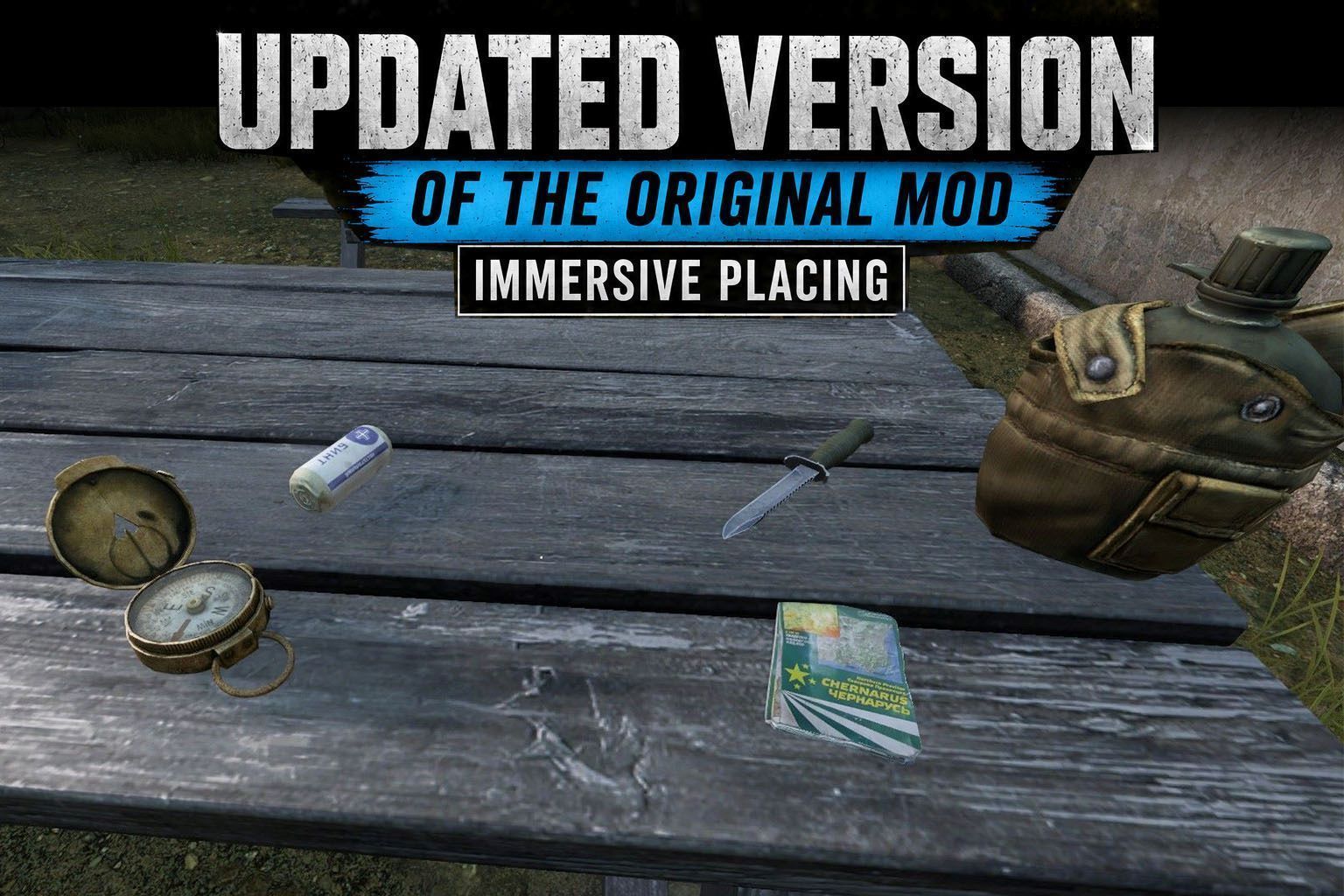
Immersive Placing Drop and place items exactly where you want them — no more items snapping to your feet. This is an updated, cleaned-up build of MaxCross's classic Immersive Placing, verified to work on DayZ 1.29. Features Quick drop — tap the key to instantly drop the item in your hands at the crosshair. Immersive placing — hold the key to show a live placement hologram, aim to position it, then press your Use key to place the item exactly where the preview sits. Flip / re-orient — tap the key while the hologram is shown to change the item's resting orientation. Rotate — use the mouse wheel to rotate the hologram, just like vanilla deployment. Smart surface handling — items plate flat against walls and ceilings, lie flat on floors and tables, and drop onto the individual levels inside furniture such as shelves. No mid-air placement — you can only place where there is a real surface, so nothing floats in the void. Works the same in first-person and third-person. Items rest cleanly on surfaces without clipping into them. Does not conflict with items that already have a built-in deploy/placement action. Controls Default key: Z (QWERTY) / W (AZERTY) — it is the same physical key on both layouts. Rebind it anytime in Configure Controls → Immersive Placing. Tap (not previewing): drop at crosshair Hold: toggle the placing preview on/off Tap (while previewing): reverse item Mouse wheel: rotate the hologram Mouse click (while previewing): confirm placement What's new in this update Verified compatible with DayZ 1.29 (server-side placement included). Rebuilt placement engine: works in first- and third-person, plates correctly against walls at any distance, and reaches the inside levels of furniture like shelves. No more placing in mid-air — a real surface is now required. Comfortable ground reach — place on the floor while standing, no crouching. A real default keybind — the original shipped unbound. Full localization in 16 languages (keybind name + every action label): English, French, German, Italian, Spanish, Russian, Czech, Polish, Hungarian, Portuguese, Chinese (Traditional & Simplified), Japanese, Korean, Turkish. Hardened code (null-safety across the placement/hologram path) and a cleaned project structure. Lighter download (unused source art removed). NEW — Extended lifetime for placed items (server-side, optional) Items placed with this mod (quick-drop or hologram) can be given a longer despawn timer. Vanilla drops are never affected. Two durations: one outside any territory, one inside the zone of a built flag (a flag pole with a flag attached). After the configured time, the item despawns naturally. Timers persist across restarts (handled by the Central Economy), with a light periodic refresh as a safeguard. Server configuration A config file is created on first launch at: <server profile>/ImmersivePlacing/PlacementLifetime.json { "enableExtendLifeTime": 1, "lifetimeOutsideZone": 86400, "lifetimeInsideFlagZone": 604800, "flagRadius": 60, "refreshInterval": 1800, "elevationCorrection": [ { "classname": "PortableGasLamp", "elevation": 2.0 } ] } enableExtendLifeTime — 1 to enable the extended-lifetime system, 0 to disable it (placement still works). lifetimeOutsideZone — lifetime, in seconds, for mod-placed items that are NOT in a flag zone (86400 = 24h). lifetimeInsideFlagZone — lifetime, in seconds, for mod-placed items inside a bui
Not analyzed yet
modperf has not read this mod's scripts, so there is no report and it is left out of any stack it appears in. 19 live servers in the crawl publish it.
The worker downloads the mod from the Workshop and reads its Enforce Script — nothing is executed. Usually a few minutes. This page then shows the report.