Item Tiers (Rarity System)
Item Tiers Color-coded item rarity for your loot — five fully configurable tiers, one JSON file, no repacking. Give your loot a visible hierarchy: Item Tiers colors inventory slots and adds a rarity badge to the item tooltip, exactly where players expect it. Which item belongs to which tier is defined in a single JSON file in your server profile — change it, restart the server, done. Clients receive the… (more)
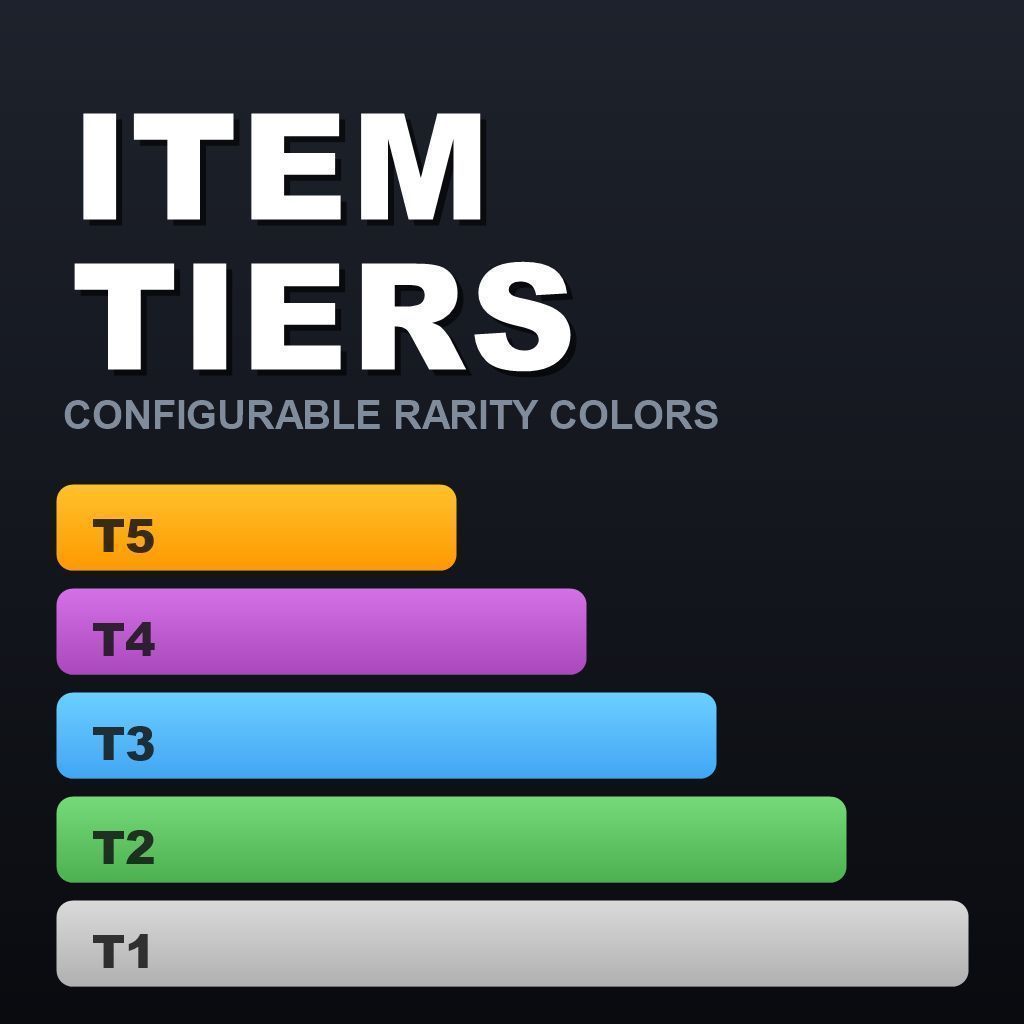
Item Tiers Color-coded item rarity for your loot — five fully configurable tiers, one JSON file, no repacking. Give your loot a visible hierarchy: Item Tiers colors inventory slots and adds a rarity badge to the item tooltip, exactly where players expect it. Which item belongs to which tier is defined in a single JSON file in your server profile — change it, restart the server, done. Clients receive the configuration automatically on connect, so tier changes never require a client or mod update. ➜ No JSON hand-editing needed: build your whole config in the free browser-based Config Studio — color picker, live ingame preview, one-click tier assignment. Open it here. CLIENT + SERVER mod — both must load it. At a glance Mod typeClient + server (script mod) Tiers5 defaults — add as many custom tiers as you want ConfigurationSingle JSON file, auto-generated Config changesServer restart only — clients sync automatically Config editorFree browser-based Config Studio (link below) Mission / types.xml changesNone Performance impactNegligible — tier lookups are cached Core Features Colored slot backgrounds — equipment and attachment slots, cargo grids, the hands slot and ground/vicinity items are tinted in their tier color across the whole inventory. Tooltip rarity badge — a colored banner above the item description shows the tier name in uppercase, using the same visual style as the vanilla DAMP/FROZEN badges. Colored item name — the item name in the tooltip, in the hands panel and on attachment rows is rendered in the tier color. Inspect view support — the full-screen inspect window shows the item name in tier color plus a tier bar, styled like the vanilla condition and weight bars. Every visual individually switchable — slot colors, tooltip badge and name coloring each have their own on/off switch. 5 tiers out of the box, unlimited if you want — Common (gray), Uncommon (green), Rare (blue), Epic (purple), Legendary (orange). Rename and recolor them freely, or add as many extra tiers as you like by appending entries to the list. Base class support — assign a tier to a parent class like Rifle_Base and every rifle inherits it; individual item entries always win. Server-side configuration — the item list lives on the server and is synced to clients on connect (chunked transfer, large item lists are no problem). Untouched vanilla look — items without a configured tier are rendered 100% vanilla. Defensive config handling — auto-generated on first start, new fields are added automatically on updates, existing entries are always preserved. A config with broken JSON syntax is never overwritten. Configuration Reference Generated automatically on first server start: <ServerProfile>/ItemTiers/Config.json SettingDefaultDescription EnableSlotColor1Colored slot backgrounds in the inventory. 0 = off. EnableTooltipBadge1Tier badge in tooltip and inspect view. 0 = off. EnableTooltipName1Item name in tooltip, inspect view, hands panel and attachment rows in tier color. 0 = off. SlotAlpha120Opacity of the slot background color, 1–255. UseBaseClasses1Items that are not listed anywhere inherit the tier of their config parent classes. Tiers5 entriesOrdered tier list — first entry = tier 1 (
Not analyzed yet
modperf has not read this mod's scripts, so there is no report and it is left out of any stack it appears in. 1 live server in the crawl publishes it.
The worker downloads the mod from the Workshop and reads its Enforce Script — nothing is executed. Usually a few minutes. This page then shows the report.