CrayZ Multiplayer Platform
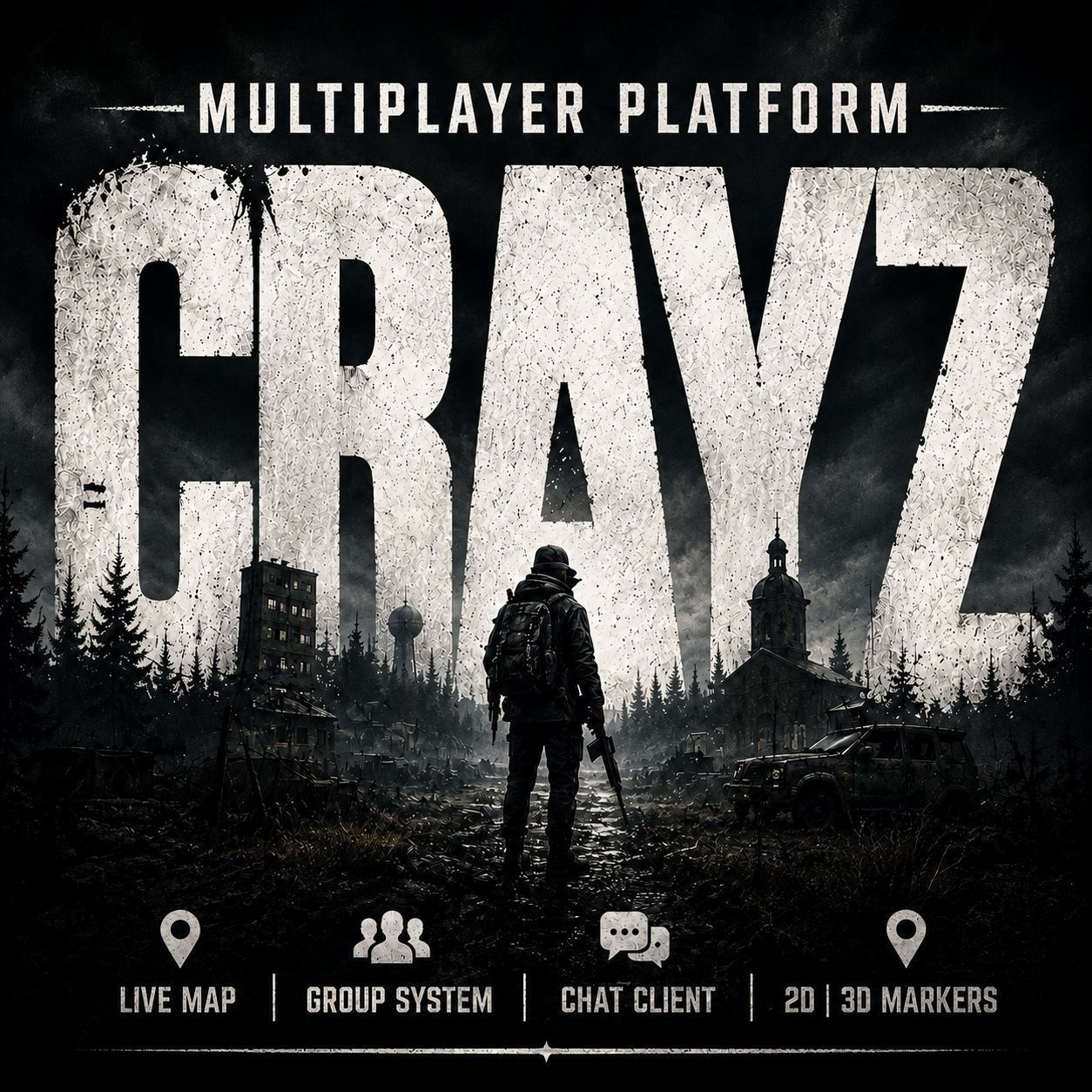
CrayZ Multiplayer Platform CrayZ Multiplayer Platform brings several useful quality-of-life systems together in one configurable DayZ mod such as a Group System, Chat client with various channels and a Map marker system. Server owners can enable the features that suit their community and adjust them through a simple server configuration file. Current Features • Multichannel chat with Direct, Global, Trade, and Group… (more)
CrayZ Multiplayer Platform CrayZ Multiplayer Platform brings several useful quality-of-life systems together in one configurable DayZ mod such as a Group System, Chat client with various channels and a Map marker system. Server owners can enable the features that suit their community and adjust them through a simple server configuration file. Current Features • Multichannel chat with Direct, Global, Trade, and Group channels • Group and party system • Group chat • Group member status HUD • Group member ranking system (Private < Sergeant < General < Leader) • Flagpole registering and Base Member management • Minimap and GPS system • Player, Group, and Server map markers • Native 2D map markers and 3D ingame markers • Marker icons, colors, transparency, distance, and display settings • Server-controlled limits and feature toggles • Client-side preference settings Installation 1. Subscribe your Server and Client to the mod via the Steam Workshop. 2. Add @CrayZMultiplayerPlatform to the server mod list. 3. Copy the included public .bikey file into the server Keys folder. 4. Start the server once to generate the configuration files. 5. Edit the generated configuration and restart the server. Configuration location Server configuration and documentation: $profile:CrayZMods Read README.txt in this folder for setting descriptions and examples. Installation and server instructions 1. Install @CrayZMultiplayerPlatform on both the server and client. 2. Add @CrayZMultiplayerPlatform to the server mod launch list. 3. Copy CrayZMods_Release.bikey into the server Keys folder. 4. Start the server once. 5. Open $profile:CrayZMods. 6. Read README.txt and edit the generated JSON configuration. 7. Restart the server after making configuration changes. Planned Features • Safe zones • No-build zones • Compatibility adapters (seperate mod) Release info: For more detailed release info check the Changelog tab! Dependencies None. Compatibility CrayZMultiplayerPlatform supports various Mission/AI mods such as DayZ-Expansion, Dynamic Missions, Airdrop-Upgraded, Hacked Crate. To enable compatibility with those mods, load the CrayZMultiplayerPlatform Compatibility Adapter mod as well: https://steamcommunity.com/sharedfiles/filedetails/?id=3775772258 Usage and Redistribution CrayZ Multiplayer Platform may be used on public or private DayZ servers. Repacking, reuploading, redistributing, modifying, or publishing altered versions of the mod is not permitted without written permission from the mod author(s).
Not analyzed yet
modperf has not read this mod's scripts, so there is no report and it is left out of any stack it appears in. 1 live server in the crawl publishes it.
The worker downloads the mod from the Workshop and reads its Enforce Script — nothing is executed. Usually a few minutes. This page then shows the report.