BigBiertjeMap
BBMap – Custom DayZ Map and Marker System BBMap is a standalone map and marker framework for DayZ. It uses DayZ’s native terrain map, making it suitable for Chernarus, Livonia, and properly configured community maps without requiring a fixed map image. Features Open the map with M Native terrain-map support Current player-position marker Live coordinates Server name above the map Up to three configurable server-link… (more)
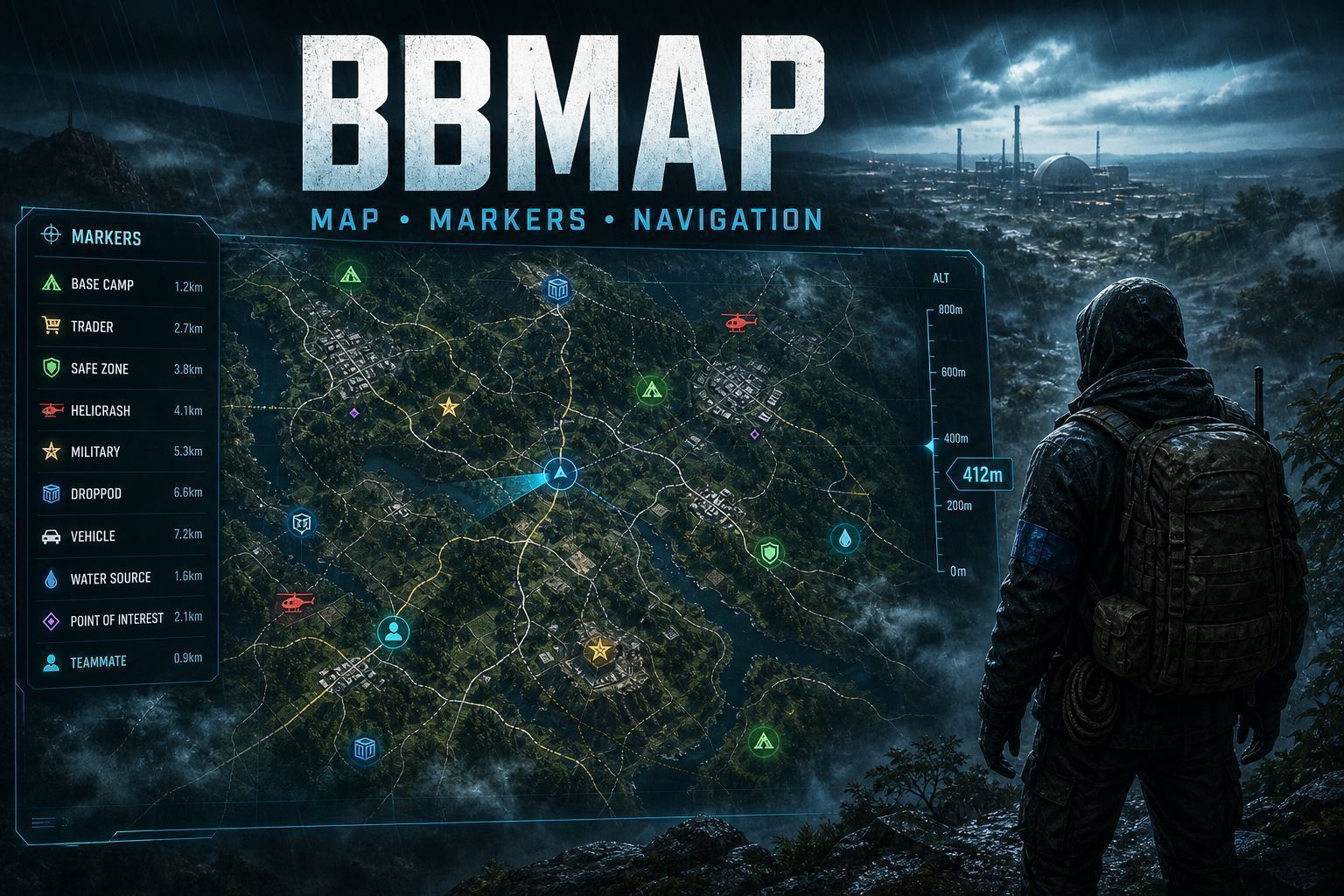
BBMap – Custom DayZ Map and Marker System BBMap is a standalone map and marker framework for DayZ. It uses DayZ’s native terrain map, making it suitable for Chernarus, Livonia, and properly configured community maps without requiring a fixed map image. Features Open the map with M Native terrain-map support Current player-position marker Live coordinates Server name above the map Up to three configurable server-link buttons Dark readable sidebar Scrollable marker list Personal markers Group markers when BBGroups is installed Server-wide markers for authorized owner UIDs Temporary and permanent markers Multiple marker icons Multiple marker colors Per-marker 2D controls Per-marker 3D controls Optional world-space 3D markers Distance displayed on 3D markers Smooth frame-based 3D-marker movement Marker-distance limits Marker creation cooldown Marker-name validation Marker deletion confirmation Optional last-death marker Optional player-position display Server controls for each marker type Two one-time example server markers Controls M – Open or close BBMap Escape – Close BBMap F8 – Cycle the 3D-marker display filter Double-click map – Open the marker-creation window The F8 filter cycles between: All markers Server markers Group markers Private markers 3D markers disabled Key bindings can be changed through the DayZ controls menu. Creating Markers Double-click the map and configure: Marker name Marker icon Marker color Private, Group, or Server visibility Temporary or permanent lifetime 2D and 3D visibility Private markers are visible only to their owner. Group markers are visible only to members of the same BBGroups group. Server markers are visible to everyone and can only be created by authorized BBMap owner UIDs. Example Markers A new BBMap database can create two example server markers: TEST SERVER MARKER DOUBLE CLICK TO CREATE These examples are created only once and can be deleted normally. Disable them with: "CreateDefaultTestMarkers": false Server Configuration Start the server once to generate: $profile:BBMap/ServerConfig.json $profile:BBMap/MapUI.json $profile:BBMap/Markers.json Important ServerConfig options include: OwnerUIDs EnableMap ShowPlayerPosition AllowPrivateMarkers AllowGroupMarkers AllowServerMarkers Enable2DMarkers Enable3DMarkers AllowPlayer3DMarkers Maximum3DMarkerDistance MaximumMarkersPerPlayer TemporaryMarkerMinutes CreateDeathMarker MarkerNameMaxLength MarkerCreateCooldownMilliseconds CreateDefaultTestMarkers MapUI.json controls: Server name Discord button Website button Community or Rules button Button URLs Restart the server after editing server configuration files. Other Terrain Maps BBMap uses the active DayZ world’s native map data. It should work with: Chernarus Livonia Properly configured community terrain maps The terrain must provide valid DayZ map/navigation data. Installation Subscribe to BBMap. Add BBMap to the server and client mod list. Copy the supplied key to the server Keys folder when signed releases are used. Start the server once. Edit the generated files inside $profile:BBMap. Restart the server. Compatibility BBMap does not require CF, Expansion, VPP Admin Tools, VanillaPlusPlusMap, BBChat, or BBGroups. BBGroups is optional. When installed, BBMap adds: Group marker visibility On
Not analyzed yet
modperf has not read this mod's scripts, so there is no report and it is left out of any stack it appears in. 3 live servers in the crawl publish it.
The worker downloads the mod from the Workshop and reads its Enforce Script — nothing is executed. Usually a few minutes. This page then shows the report.