PayAtThePumpFuelStations
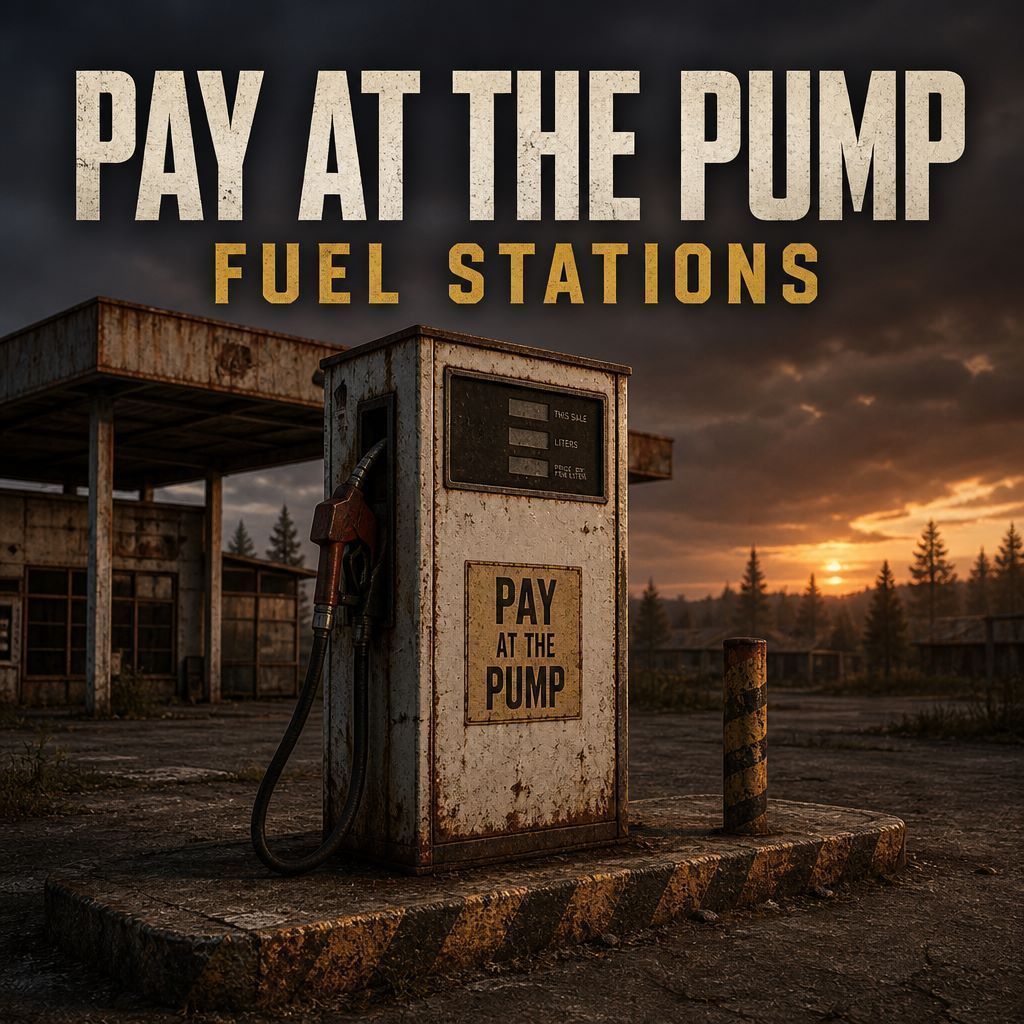
Pay At The Pump Fuel Stations Stop free unlimited fuel at petrol pumps. Players keep a personal cash fuel account, top it up at any pump, pay per litre to fill, and sell surplus fuel back to the station. Station tanks are built in (on by default) — each petrol station holds a shared fuel supply that can run dry. Works on any map with normal DayZ fuel-station pumps. Features Personal fuel cash account per player… (more)
Pay At The Pump Fuel Stations Stop free unlimited fuel at petrol pumps. Players keep a personal cash fuel account, top it up at any pump, pay per litre to fill, and sell surplus fuel back to the station. Station tanks are built in (on by default) — each petrol station holds a shared fuel supply that can run dry. Works on any map with normal DayZ fuel-station pumps. Features Personal fuel cash account per player (SteamID) Station tanks — one shared tank per petrol station (default 10,000 L); starts at 50% so players can sell fuel back Buy-back — sell gasoline from jerry can or vehicle at 80% of buy price (credit to fuel account only) Pump menu: separate cash and litres inputs — Deposit / Withdraw / Set fill limit / Set sell limit Menu shows station tank level, buy price, and sell price Paid jerry-can fill and paid vehicle refuel at the fuel cap (cars, boats, Expansion-style helis on car fuel) Empty station → no fill — Pump empty, try another station Optional fill or sell limit (litres) for the next action only Low station tank refills to full after 4 days server runtime (persisted) Configurable price, pump range, fill speed, tank capacity, buy-back % PumpTankEnabled — set to 0 in Settings.json to disable tanks (unlimited pump fuel, v1-style) Torch upgrade from the gas pump is blocked (no free-fuel exploit) No hard dependency on a specific economy mod — you plug in your own money classnames How players use it Empty hands, look at a petrol pump → Fuel account Top box: type cash → Deposit or Withdraw Bottom box: type litres → Set fill limit or Set sell limit (type 0 to clear) Fill a jerry can at the pump — charges the account; drains the station tank Look at a vehicle fuel filler near a pump → Refuel from pump Hold Sell fuel to station (jerry can) or Sell fuel from vehicle (keeps 5 L reserve) Escape closes the menu Important — client pack required This is not a ServerMod-only mod. Players and the server must load it in -mod=: -mod=...;@PayAtThePumpFuelStations If only the server loads it, the menu and actions will not work for players. Server owner setup Subscribe / download the mod Add @PayAtThePumpFuelStations to the server and client -mod= list Restart the server once so the profile folder is created Edit: profiles\PayAtThePumpFuelStations\Settings.json Fill in Currencies with YOUR money item classnames (required before deposit/withdraw) Set PricePerLitre, tank options, and any other values you want Live Settings.json — no restart needed Settings.json is a live config. The server re-reads it about every 30 seconds and syncs values to players. You can change price, pump range, fill speed, currencies, tank settings, and more — save the file, wait briefly, and most values apply without a server restart. (First install or adding new profile files still needs one restart.) Settings.json (defaults — tanks ON) { "PricePerLitre": 10, "PumpHorizontalRange": 15, "PumpHeightRange": 12, "PumpFillMlPerSecond": 1000, "settingsVersion": 2, "BuyBackEnabled": 1, "BuyBackDiscountPercent": 20, "MinFuelReserveLitres": 5, "PumpTankEnabled": 1, "DefaultPumpCapacityLitres": 10000, "StationStartFillPercent": 50, "StationClusterRadiusMetres": 25, "StationLowFuelThresholdLitres": 100, "StationRefillAfterDaysBelowLow": 4, "Currencies": [] } Key settings PricePerLitre — cash charged per litre from the player’s fuel accou
Not analyzed yet
modperf has not read this mod's scripts, so there is no report and it is left out of any stack it appears in. 8 live servers in the crawl publish it.
The worker downloads the mod from the Workshop and reads its Enforce Script — nothing is executed. Usually a few minutes. This page then shows the report.