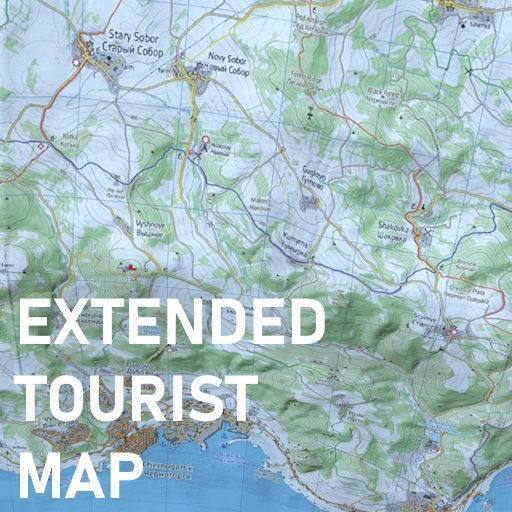
Extended Tourist Map
Hello everyone! I’m announcing my first DayZ addon - Extended Tourist Map. The purpose of this addon is to expand the functionality of the original, rather useless tourist map that can be found in the game world. The first version can display the player’s current position on the map, and the addon implementation does not modify the game model, so it is fully compatible with your retextures. Server Settings Support… (more)
Hello everyone! I’m announcing my first DayZ addon - Extended Tourist Map. The purpose of this addon is to expand the functionality of the original, rather useless tourist map that can be found in the game world. The first version can display the player’s current position on the map, and the addon implementation does not modify the game model, so it is fully compatible with your retextures. Server Settings Support The addon supports separate server-side options that allow you to adjust the balance for your server. "UseGPSReceiver": 0, // Whether a GPS Receiver is required to display the marker. Default: 0 "SlotGPSReceiver": 0, // Whether the GPS Receiver must be placed in its slot and turned on. Default: 0 "UpdateMarkAlways": 0 // Whether to update the player's position while moving with the map open. Default: 0 "EnablePlayerMark": 1 // Whether to display the player marker. Default: 1 (This parameter completely disables the player marker) "EnablePlayerPins": 1, // Whether to allow players to place their own markers. Default: 1 "MaxPlayerPins": 10 // Maximum number of player markers on the map. I recommend keeping it between 10-20 markers. Too many can be detrimental to future updates. "OldPlayerMarker": 0 // BONUS. Restores the white outlined label from the first release for the player Marking System The addon implements a full-fledged 3D Marker system on the map. As well as customization. I'll add server-side markers a little later. Planned for the Future -Fix bugs -Add a server setting that requires a GPS Module - Done✅ -Add custom markers - Done✅ -Add "Pins" and possibly text notes - Done✅ -No promises / Possibly allow placing the map on the ground or on a wall and viewing placed markers together with other players. How to Install How to disable the 2D map on your server: 1)Open: DayZServer\mpmissions\dayzOffline.chernarusplus 2)Find "cfggameplay.json" 3)Find this block: "UIData": { "use3DMap": false 4)Change "false" to "true" 5)Restart the server and enjoy! DayZ Offline Mod How to fix the spawner crash in DayZ Offline Mod? 1)Open: \DayZ\Missions\DayZCommunityOfflineMode.ChernarusPlus\core\modules\ComEditor\gui\ObjectMenu.c 2)Find this block (Approximately lines 292-293) if ( scope = 0 ) { continue; } 3)Change it to if ( scope < 2 ) { continue; } 4)Done! Also, for cfggameplay.json to work correctly, you will need to launch Offline Mod through DayZ_Diag. Support me and get the source code Boosty
Not analyzed yet
modperf has not read this mod's scripts, so there is no report and it is left out of any stack it appears in. 1 live server in the crawl publishes it.
The worker downloads the mod from the Workshop and reads its Enforce Script — nothing is executed. Usually a few minutes. This page then shows the report.