Bfoot Weed & Drug Processing System
Bfoot Weed & Drug Processing System A standalone DayZ cultivation and processing mod created by Bfoot. Grow 10 custom strains from seed, harvest fresh buds, dry them on the processing worktable, press matching dried buds into strain-specific bricks, then combine finished bricks into high-value Super Bricks. Features 10 custom strains Custom seed packets and seeds Growable plants using DayZ horticulture Fresh and… (more)
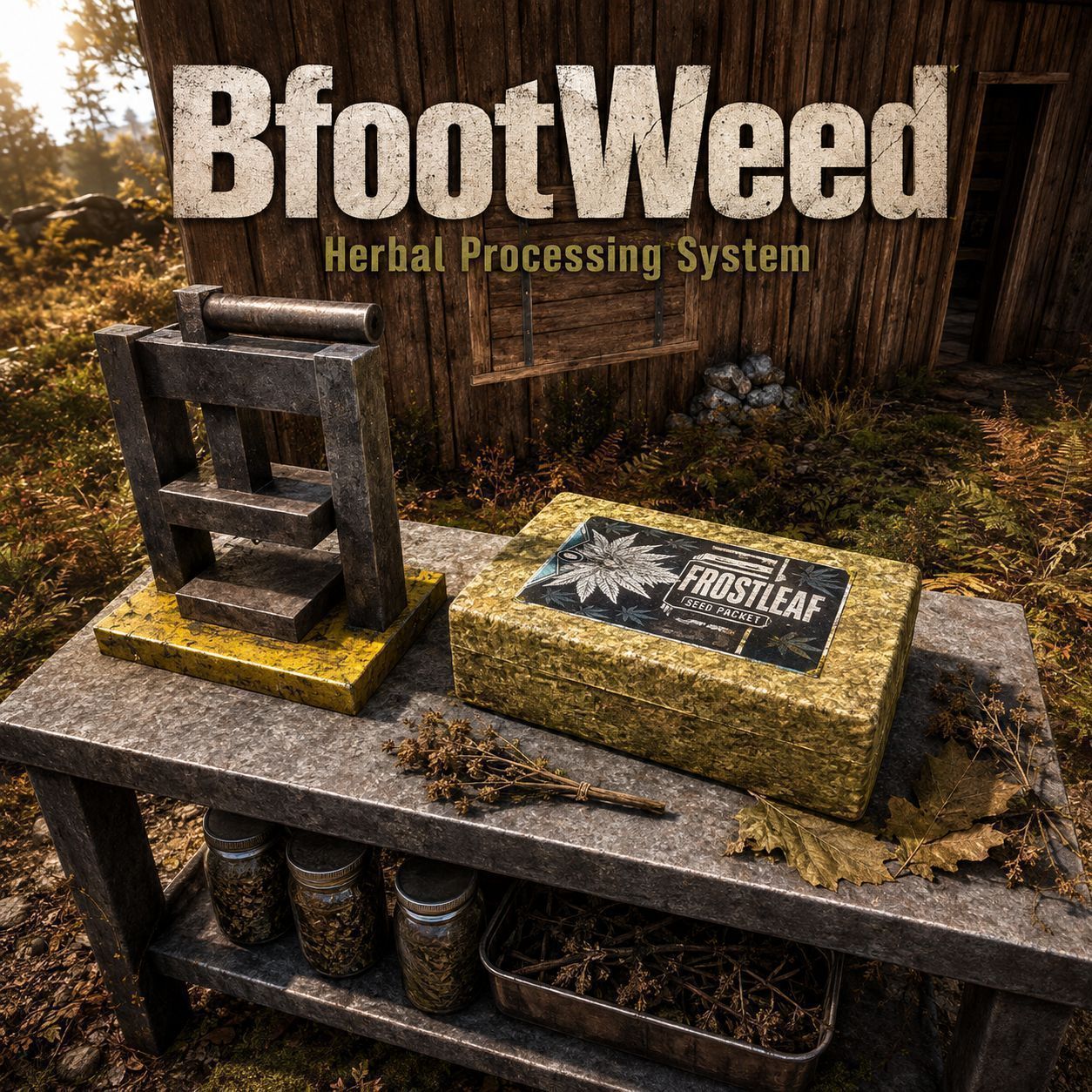
Bfoot Weed & Drug Processing System A standalone DayZ cultivation and processing mod created by Bfoot. Grow 10 custom strains from seed, harvest fresh buds, dry them on the processing worktable, press matching dried buds into strain-specific bricks, then combine finished bricks into high-value Super Bricks. Features 10 custom strains Custom seed packets and seeds Growable plants using DayZ horticulture Fresh and dried processing stages Deployable Weed Processing Worktable Deployable Brick Press Kit Attachable Brick Press 20 matching dried buds → 1 matching strain brick 4 matching normal bricks → 1 matching Super Brick Same-strain processing throughout JSON configurable drying and pressing values Worktable can be repacked with a screwdriver when empty and inactive Custom models and textures No third-party mod dependencies Included Strains Blackleaf Whiteleaf Purpleleaf Goldleaf Redleaf Blueleaf Frostleaf Ghostleaf Nightleaf Wildleaf Processing Chain 1. Grow Open a strain-specific seed packet, plant the seeds and grow the matching plant using the normal DayZ horticulture system. 2. Harvest Harvest the plant to receive the matching fresh buds. 3. Dry Place fresh buds into the Weed Processing Worktable and start the drying process. The drying time can be configured by the server owner. 4. Press a Normal Brick Attach the Brick Press to the Weed Processing Worktable. By default: 20 matching dried buds = 1 matching strain brick Example: 20 x Bfoot_BlueleafDried = 1 x Bfoot_BlueleafBrick 5. Press a Super Brick Place matching normal bricks into the Worktable and use: Press Super Brick By default: 4 matching normal bricks = 1 matching Super Brick Example: 4 x Bfoot_BlueleafBrick = 1 x Bfoot_BlueleafSuperBrick Same-Strain Processing Recipes require matching strains. For example: 20 x Blueleaf Dried = Blueleaf Brick 4 x Blueleaf Brick = Blueleaf Super Brick Mixed strains do not count together toward the same recipe. Weed Processing Worktable The Worktable is the main processing station for the mod. It supports: Drying fresh buds Normal brick pressing Super Brick pressing Brick Press attachment Cargo storage for processing materials The Worktable cannot simply be picked up after deployment. When the Worktable is: Empty Not currently drying Has no attachments it can be repacked into a Worktable Kit using a screwdriver. Brick Press The Brick Press can be deployed separately using the Brick Press Kit. It can also be attached directly to the Weed Processing Worktable. By default the Brick Press attachment is required before bricks can be produced. This requirement can be disabled in the server JSON configuration. Server Configuration Configuration files are automatically created inside the server profile folder: $profile:BfootWeed\Config\DryingSettings.json $profile:BfootWeed\Config\PressSettings.json DryingSettings.json Default: { "Version": 1, "DryingTimeSeconds": 300 } DryingTimeSeconds Controls how long a drying cycle takes. Default: 300 seconds which equals: 5 minutes PressSettings.json Default: { "Version": 1, "DriedWeedPerBrick": 20, "BricksPerSuperBrick": 4, "RequireBrickPressAttachment": 1 } DriedWeedPerBrick Controls how many matching dried buds are required to create one normal brick. Defaul
Not analyzed yet
modperf has not read this mod's scripts, so there is no report and it is left out of any stack it appears in. 2 live servers in the crawl publish it.
The worker downloads the mod from the Workshop and reads its Enforce Script — nothing is executed. Usually a few minutes. This page then shows the report.