Zellno Global Chat
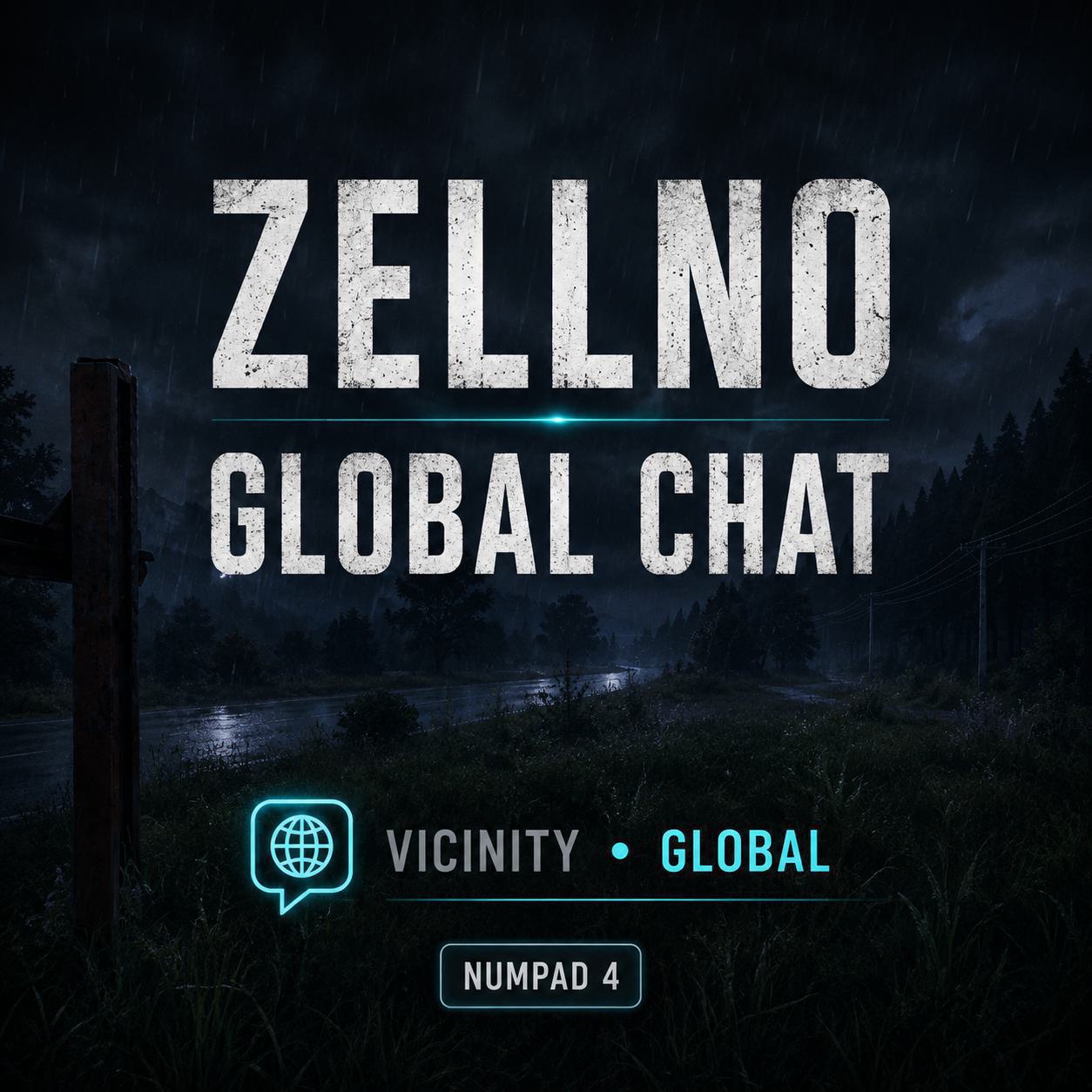
Zellno Global Chat Small and independent global text chat for DayZ servers. Vanilla Vicinity Chat remains available and unchanged. Features Server-wide Global Chat between connected players. Vanilla Vicinity Chat preserved for nearby communication. Clear VICINITY and GLOBAL channel indicator. Configurable channel-toggle input with Numpad 4 as default. Server-authoritative player names. Independent per-player… (more)
Zellno Global Chat Small and independent global text chat for DayZ servers. Vanilla Vicinity Chat remains available and unchanged. Features Server-wide Global Chat between connected players. Vanilla Vicinity Chat preserved for nearby communication. Clear VICINITY and GLOBAL channel indicator. Configurable channel-toggle input with Numpad 4 as default. Server-authoritative player names. Independent per-player cooldowns for Global Chat and Vicinity auditing. Server-side identity, target, length and content validation. Accepted and rejected request logging. Optional Discord webhook forwarding. Separate Discord webhooks for GLOBAL and VICINITY. Simple JSON server configuration. Usage Press Enter to open the normal DayZ chat input. VICINITY is selected by default. Press Numpad 4 while chat is open to alternate between VICINITY and GLOBAL. Press Enter to send through the selected channel. Vicinity means nearby players only. Global reaches every connected player. The toggle action can be remapped in the DayZ controls. Server configuration The server creates: $profile:ZellnoGlobalChat/settings.json Defaults: Global Chat enabled. Maximum server-side message length: 256 characters. Per-player Global Chat cooldown: 2000 milliseconds. Per-player Vicinity audit cooldown: 500 milliseconds. Accepted and rejected request logging enabled. Discord forwarding disabled until webhook URLs are configured. Discord webhook username: Zellno Global Chat. Available Discord settings: DiscordGlobalWebhookUrl DiscordVicinityWebhookUrl DiscordWebhookUsername GLOBAL and VICINITY can use separate Discord webhook channels. Webhook URLs remain in the server profile and are not embedded in the mod package. Discord allowed mentions are disabled. Quotes, backslashes and control characters are sanitized in Discord payloads without changing the original in-game or server-log message. Logging and Discord GLOBAL messages use the following server-log identifier: accepted VICINITY remains part of the vanilla chat flow. The mod sends a validated audit record to the server using: vicinity-audit Vicinity auditing has an independent per-player rate limit and does not interfere with the Global Chat cooldown. Compatibility DayZ 1.29 ZenModCore chat history preserved. VPPAdminTools slash commands preserved. No Community Framework dependency. No Dabs Framework dependency. Current status Version 0.2.0-alpha. Local client-to-server-to-client Global Chat validation has passed. Vicinity Chat, reconnect reset, input remapping, cooldown and logging tests have passed. Hosted two-player validation has also passed with players positioned in the north and south of Chernarus. Bidirectional Global Chat delivery, correct player names, independent per-player cooldowns and exactly one message copy per recipient were confirmed. Separate GLOBAL and VICINITY Discord webhook channels have been validated locally and on the hosted server. Source code GitHub — ZellnoGlobalChat Monetization Permission Zellno permits the use of Zellno Global Chat on monetized DayZ servers, provided that the server operator is registered, approved and listed under Bohemia Interactive's DayZ Server Monetization program and complies with all applicable rules. This permission applies only to the original content provided by Zellno in Zellno Global Chat. It does not grant permission to monetize DayZ itself or any third-party modification or content used alongside this mod. Server operators are responsible for obtaining
Not analyzed yet
modperf has not read this mod's scripts, so there is no report and it is left out of any stack it appears in. 1 live server in the crawl publishes it.
The worker downloads the mod from the Workshop and reads its Enforce Script — nothing is executed. Usually a few minutes. This page then shows the report.