Traveling_Trader_Expansion
Requires: • Community Framework (CF) • DayZ Expansion - AI + Market + Navigation (or Expansion Bundle) Recommended load order: @C; @Expansion (AI / Market / Navigation or Bundle); @Traveling_Trader_Expansion (Put CF + Expansion before this mod.) Traveling Trader Expansion (TTE) adds walking Expansion AI traders with real Expansion Market stock. They walk your route, trade while alive, and can be killed. Trade stops… (more)
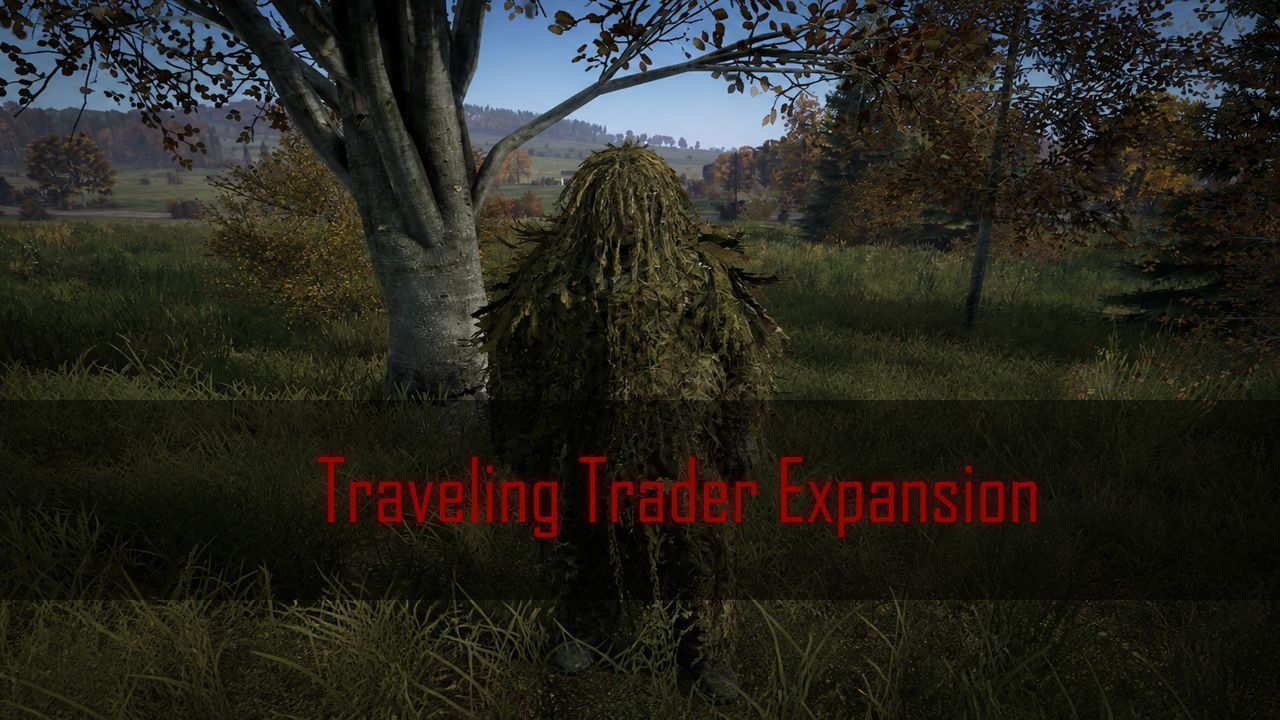
Requires: • Community Framework (CF) • DayZ Expansion - AI + Market + Navigation (or Expansion Bundle) Recommended load order: @C; @Expansion (AI / Market / Navigation or Bundle); @Traveling_Trader_Expansion (Put CF + Expansion before this mod.) Traveling Trader Expansion (TTE) adds walking Expansion AI traders with real Expansion Market stock. They walk your route, trade while alive, and can be killed. Trade stops on death. Loot the corpse, then they respawn on a timer. Profile files are created on first start under $profile:TravellingTraders/ • Walking traders - Expansion AI waypoints, not static NPCs • Expansion Market - Uses your existing trader files (Weapons, Consumables, …) • Killable - Observers faction: no combat, players can loot the body • Respawn - New trader after RespawnSeconds (-1 = none) • Halt nearby - Stops walking within 5 m of a living player • Map markers - Optional Expansion 2D / 3D trader markers per route • Admin reload - Rebindable keybind reloads config and routes without a restart • First-run defaults - Writes TTE_Config.json plus two sample routes if the folder is missing JSON is auto-created on first run under $profile:TravellingTraders/ • TTE_Config.json - Master enable, logging, debug, log retention • Routes/ - One JSON file per trader (class, market file, loadout, faction, speed, waypoints, markers) • Logs/ - Session logs when logging is enabled First start writes two example routes: ConsumablesTrader (Grishino ↔ Kabanino) and WeaponsRoam (NWAF). Edit or add files in Routes. Enable 0 skips a route. Admin reload: Steam IDs go in Expansion AISettings.json Admins (not TTE_Config). Bind Traveling Trader (Admin Reload) under Options → Controls → Traveling Trader. Press it to despawn living TTE traders and spawn from the current JSON. Help & updates: FUBAR's Hideout Credits: • FUBAR - author & maintainer • DayZ Expansion AI / Market / Navigation IMPORTANT: Requires DayZ Expansion AI and Market. These are Expansion walking traders with your market files - not a separate shop system. You will need a World.json in your Sample Mpmissions \mpmissions\dayzOffline.chernarusplus\expansion\traderzones Server + client mod - include on both -mod= lists with CF and Expansion. Admin reload uses Expansion AI admins. Assign the keybind in-game; there is no default key. ✅ REPACKING ALLOWED - You may repack for your server. Please do not re-upload this mod to Steam Workshop as your own item.
Not analyzed yet
modperf has not read this mod's scripts, so there is no report and it is left out of any stack it appears in. 1 live server in the crawl publishes it.
The worker downloads the mod from the Workshop and reads its Enforce Script — nothing is executed. Usually a few minutes. This page then shows the report.