Hellen's Dr.Jones Trader editor
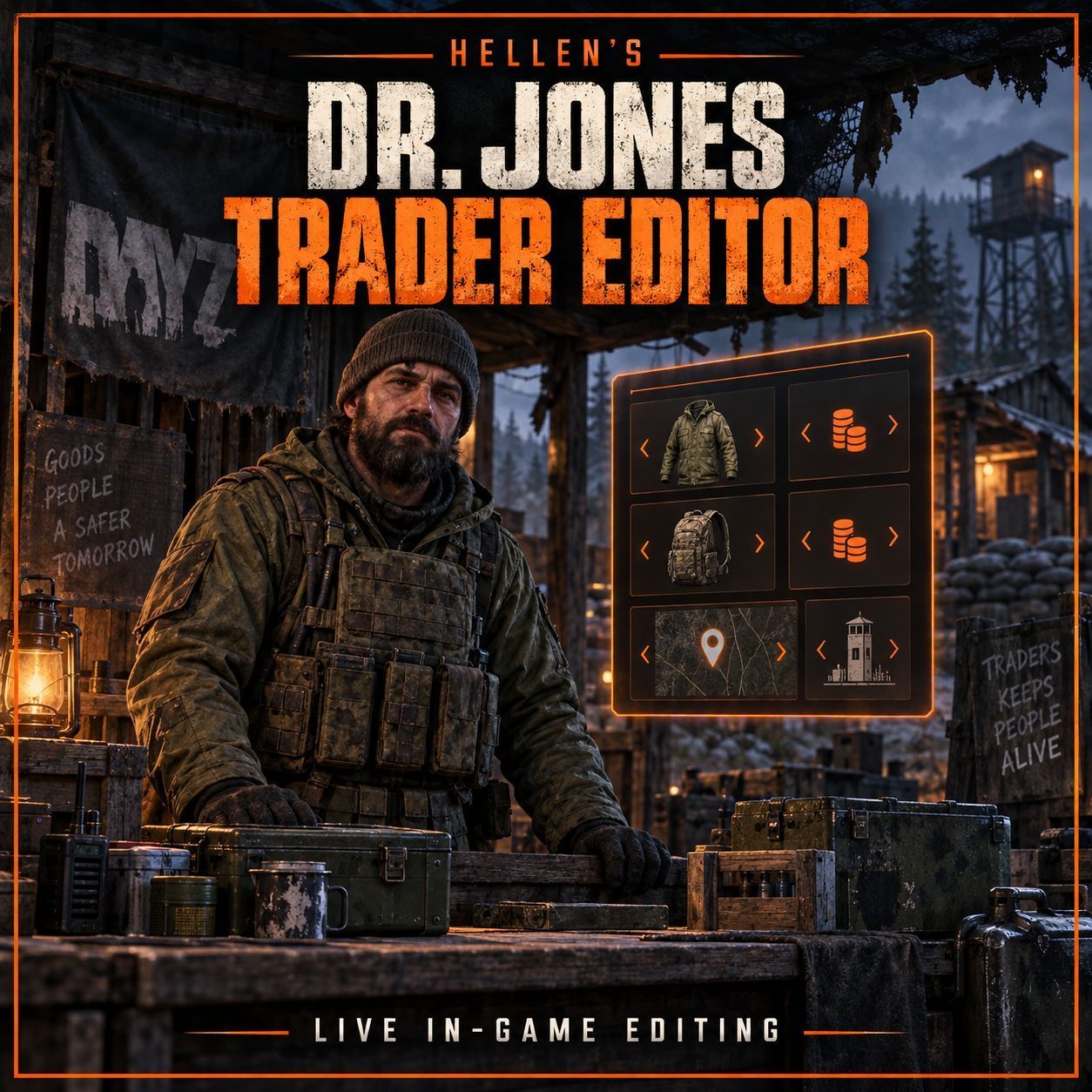
Hellen's Dr. Jones Trader Editor Set up your traders without leaving the game. Press F8, pick what you want to change and apply it live. Made for server owners who want to spend less time digging through trader configs. It uses the same dark panels and orange styling as my Expansion Market Editor, with separate screens for prices, NPCs, vehicle parts and settings. What can it do? Edit trader prices - Pick a… (more)
Hellen's Dr. Jones Trader Editor Set up your traders without leaving the game. Press F8, pick what you want to change and apply it live. Made for server owners who want to spend less time digging through trader configs. It uses the same dark panels and orange styling as my Expansion Market Editor, with separate screens for prices, NPCs, vehicle parts and settings. What can it do? Edit trader prices - Pick a category, select an item and change its buy/sell prices. Use -1 to disable buying or selling. Add items to categories - Search vanilla and loaded mod items by name or classname, preview the item, set prices and add it. Place trader NPCs - Stand where you want your trader, place it and choose which categories it can trade. Edit NPC outfits - Search clothing, remove worn pieces and equip new ones. Outfit changes save and apply live. Character preview - Preview clothing on the selected NPC's character model and rotate it before equipping. Remove the current piece first if its slot is occupied. Manage NPCs and zones - Change names, category assignments and safezone radius. Move NPCs to your position and set a separate vehicle spawn point. Edit vehicle parts - Choose the attachments supplied with future vehicle purchases. Adjust trader settings - Change supported trade delays, trading distance, cleanup and safezone settings. Save and apply live - Connected players receive updated trader data. Open shopping menus close during the refresh; just reopen them. Keep your changes - Edits load again after a restart, with backups made when saving existing data. Admin access - Access is checked on the server using a Steam64 allowlist. Setup Install the original Dr. Jones Trader mod. Load this editor after Trader in the normal -mod list on the server and clients. Start the server once to generate HellensDrJonesEditor/Settings.json in the server profiles folder. Stop the server, add your Steam64 ID to AdminSteam64, then restart. Join and press F8. Editing an outfit Open NPCs / Zones, select a placed NPC and click Edit Outfit. Search for clothing and select a result to preview it. Click Equip & Apply to save it to the trader. To replace clothing, select the old piece under Currently Worn and remove it first. Clothing must be empty of cargo and attached items before removal. Use Back to NPC to return to categories and placement. A few things to know Requires the original Dr. Jones Trader. This editor is for that mod. Install the same editor version on the server and all clients. Edits are stored in HellensDrJonesEditor/LiveEdits.json in the profiles folder. The original Trader TXT files stay intact. Keep this folder when moving or backing up your server. Vehicle part changes affect future purchases, not vehicles already spawned. Modded items and clothing need their source mods loaded on the server and clients. The outfit preview shows direct clothing, not held weapons or nested accessories. Building/object traders cannot wear clothing. Still improving this as I go. If you hit an issue, send the full error or script log and what you were doing so I can track it down. Credits: Dr. Jones and the original Trader team for the Trader mod this editor works with.
Not analyzed yet
modperf has not read this mod's scripts, so there is no report and it is left out of any stack it appears in. 2 live servers in the crawl publish it.
The worker downloads the mod from the Workshop and reads its Enforce Script — nothing is executed. Usually a few minutes. This page then shows the report.