Jetpack
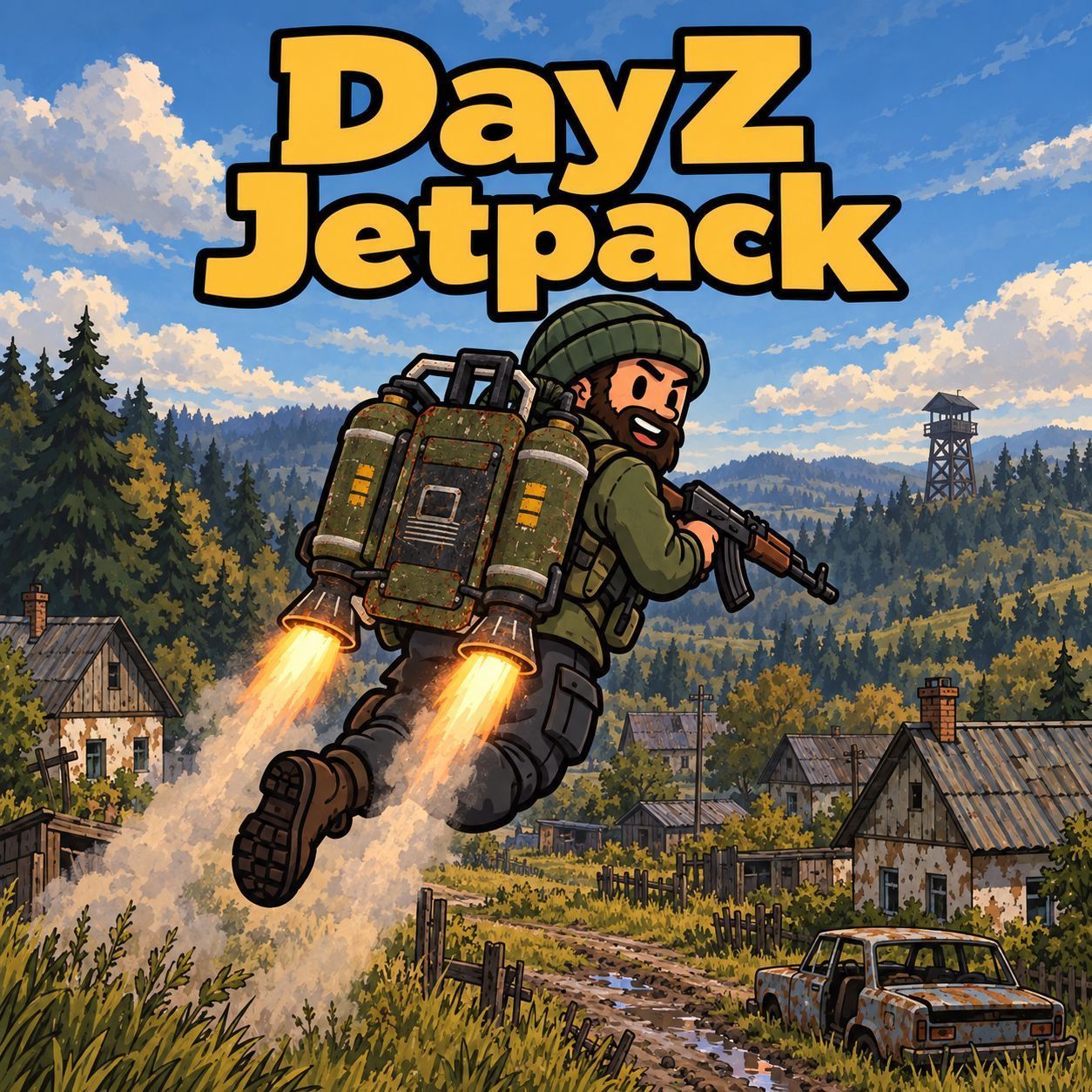
🚀 Jetpack Strap a jetpack to your back and take to the skies of DayZ. Hold to start, hover, boost across the map – with fuel, a cockpit HUD, sound, exhaust smoke and full multiplayer sync. ✨ Features 🎒 Two wearable jetpacks – standard (64 slots) and large (200 slots) 🔥 Vehicle-style engine start – hold the left mouse button, start sound included, release early to abort 🛫 Smooth flight – hover, climb, descend, strafe… (more)
🚀 Jetpack Strap a jetpack to your back and take to the skies of DayZ. Hold to start, hover, boost across the map – with fuel, a cockpit HUD, sound, exhaust smoke and full multiplayer sync. ✨ Features 🎒 Two wearable jetpacks – standard (64 slots) and large (200 slots) 🔥 Vehicle-style engine start – hold the left mouse button, start sound included, release early to abort 🛫 Smooth flight – hover, climb, descend, strafe and boost relative to your view 🎯 Weapons in flight – raise, aim and shoot while airborne 🧍 Flight pose – the body leans into the flight direction ⛽ Fuel system – gasoline is stored in the jetpack and persists across restarts 📊 Cockpit HUD – speed, thrust, altitude and fuel gauge using the vanilla car HUD 🎥 Chase camera – third-person camera like in a vehicle 🔊 Sound & smoke – visible and audible to every player nearby 🌐 Server-authoritative – synchronised for all players, no client-side cheating 🎮 Controls ActionDefault key Start engineHold Left Mouse Button AscendSpace DescendC BoostLeft Shift MoveW A S D Stop engine & landClick Left Mouse Button close to the ground ⌨️ All keys can be changed under Options → Controls → Jetpack. 🕹️ How it works Put the jetpack on your back – the cockpit HUD appears. Hold the left mouse button until the engine is running. You lift off and hover just above the ground. No input = hover in place. Descend close to the ground and click the left mouse button to land and shut down. ⚠️ The engine shuts off automatically if you take the jetpack off, die, fall unconscious, get restrained, enter a vehicle or start swimming. Turn it off high in the air and you will fall. ⛽ Refuelling Take a gasoline canister or a bottle filled with gasoline into your hands. Worn jetpack: engine off → hold the left mouse button. Jetpack on the ground: look at it → hold the left mouse button. The fuel level is shown as a bar in the inventory and as a gauge in the HUD. An empty tank makes you descend slowly before the engine cuts out. ⏱️ Default values: about 10 minutes of flight on a full tank, about 5 minutes with boost. 🎒 Items Class nameDescription Saga_JetpackStandard jetpack, 64 cargo slots Saga_Jetpack_BigLarge jetpack, 200 cargo slots 🛠️ For server owners 📄 Config file – created automatically on first start: <profiles>/Jetpack/config.json 🔢 Versioned – new options are added on updates, your values are kept 📡 Synced – clients receive the server values automatically ⚙️ Adjustable – speeds, climb and descent rate, max altitude, hover height, start and stop time, weapons in flight, camera, flight pose, tank size, initial fuel, consumption, refuel rate, jetpack classes 🌍 Config editor – browser-based editor with explanations in 12 languages (EN, DE, RU, PL, CS, FR, ES, PT, IT, NO, SV, ZH) Installation Add the mod to client and server (-mod=@Jetpack). Copy the key from the Keys folder into the server's keys folder. Add the entries from types_Saga_Jetpack.xml to your mission's types.xml – or spawn the items with an admin tool. 🎲 Loot spawn: Military, Tier 3–4. Fuel on spawn via quantmin/quantmax in % of the tank. 📋 Requirements ✅ N
Not analyzed yet
modperf has not read this mod's scripts, so there is no report and it is left out of any stack it appears in. 9 live servers in the crawl publish it.
The worker downloads the mod from the Workshop and reads its Enforce Script — nothing is executed. Usually a few minutes. This page then shows the report.