DayzHUB Console Agent
DayzHUB Console Agent Your DayZ server, managed from the web. This is the server-side agent for the DayzHUB Console (dayzhub.cloud): a web dashboard where you run the DayZ server you already have, from any browser or phone. You do not change host, and you do not move your server. The agent sends what is happening on your server to your own Console account, and carries your admin actions back into the game.… (more)
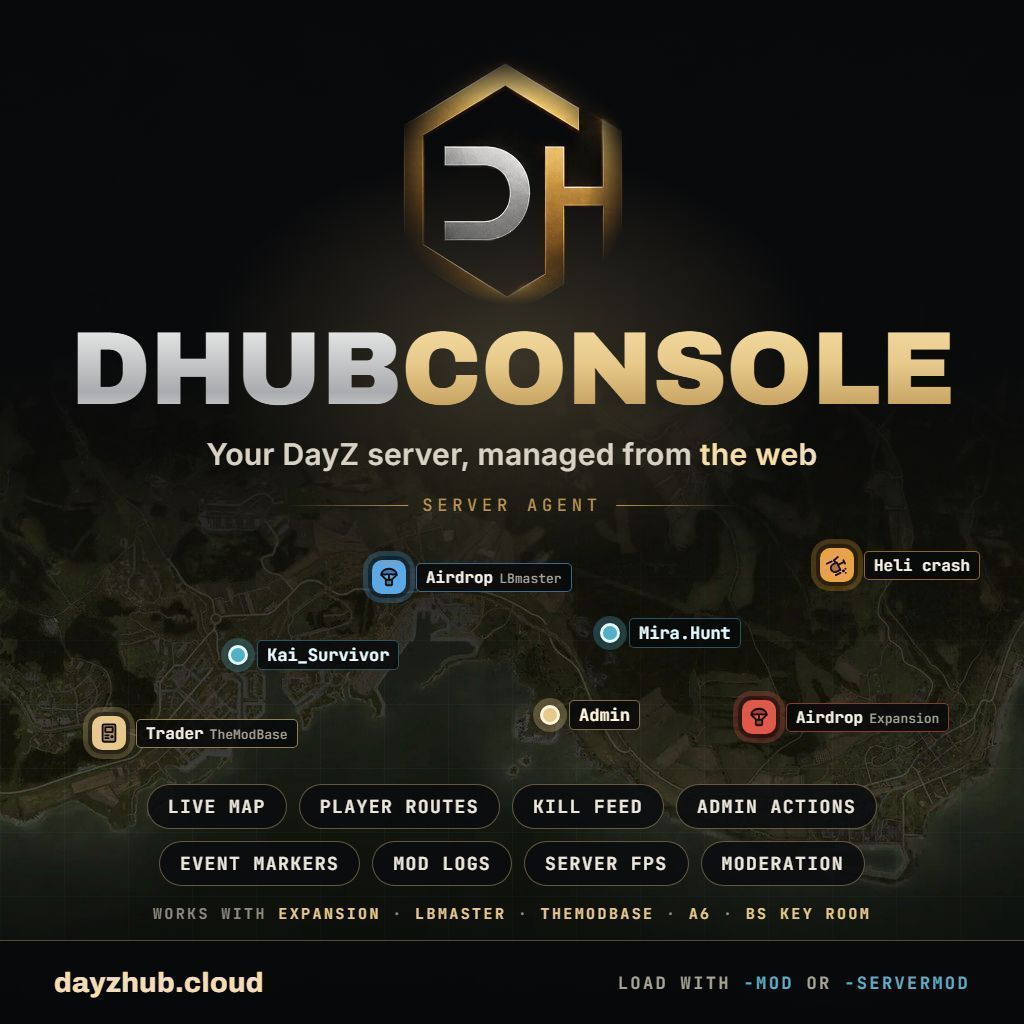
DayzHUB Console Agent Your DayZ server, managed from the web. This is the server-side agent for the DayzHUB Console (dayzhub.cloud): a web dashboard where you run the DayZ server you already have, from any browser or phone. You do not change host, and you do not move your server. The agent sends what is happening on your server to your own Console account, and carries your admin actions back into the game. Everything about the Console - features, guide, FAQ and how to sign in - is on the website: dayzhub.cloud (the links are also in the Links box on the right of this page). What the agent gives your Console Live map with players, vehicles, player routes and event markers Real server FPS and tick figures, measured inside the game from the engine's own frame times (the true loop rate, not a guess), with the slowest frames and the busy frames shown separately Kill feed, player sessions and detailed logs Admin actions from the web: heal, teleport, message, kick and more Event markers for airdrops, helicopter crashes, traders, loot chests, vehicles and more, with a history for each Moderation and automation: bans, scheduled restarts and messages, triggers In-game player reports (Report button in the Esc menu and on the death screen) when the mod is loaded with -mod Works with Vanilla DayZ DayZ Expansion LBmaster mods TheModBase mods A6 Base Storage and A6 Hacking Tablet BS Key Room The agent detects what is installed on your server by itself and only reports what is there. The list of understood mods grows with the Console: see the website, dayzhub.cloud, for the current list. Requirements A DayZ dedicated server (any host) where you can add a mod RCON (BattlEye) enabled, so the Console can also kick, ban and message An account at dayzhub.cloud (sign in with Steam, Discord or e-mail) Installation Open dayzhub.cloud in your browser, sign in and add your server. Open your server's Setup page in the Console. It shows a Server ID and an API key. On your server, open profiles/DayzHUB/DHUBconsole/Settings.json and paste both in. The file is created the first time the server starts with the mod. Load the mod (see below) and restart the server. The Console shows "Agent connected" within a minute. The step-by-step guide, with screenshots, is on the website. Two ways to load it Load it one way, never both. -mod=@DHUBconsole - the full agent, including in-game player reports. Players download this small mod automatically from the Workshop, like any other client mod. -serverMod=@DHUBconsole - everything except in-game reports. Players download nothing. -mod if you want in-game player reports. -serverMod if you do not want players to download anything. Light on your server The agent talks to the Console once every 15 seconds. Between those moments it only adds a few counter operations per game frame. It does not scan the world every frame and it does not slow your server down. What runs on a player's PC With -mod, only the Report button and its small dialogs run on the client. The agent itself - everything that talks to dayzhub.cloud, your API key, your server settings - stays on the server and is never sent to players. Updates - please read Only servers that load this mod directly from this Workshop item receive updates automatically. Do not repack, re-upload or modify this mod. A repacked or copied version does not receive new versions, can stop working with the Console after an update of the Console, and is not
Not analyzed yet
modperf has not read this mod's scripts, so there is no report and it is left out of any stack it appears in. 2 live servers in the crawl publish it.
The worker downloads the mod from the Workshop and reads its Enforce Script — nothing is executed. Usually a few minutes. This page then shows the report.