KOOL_Minimap
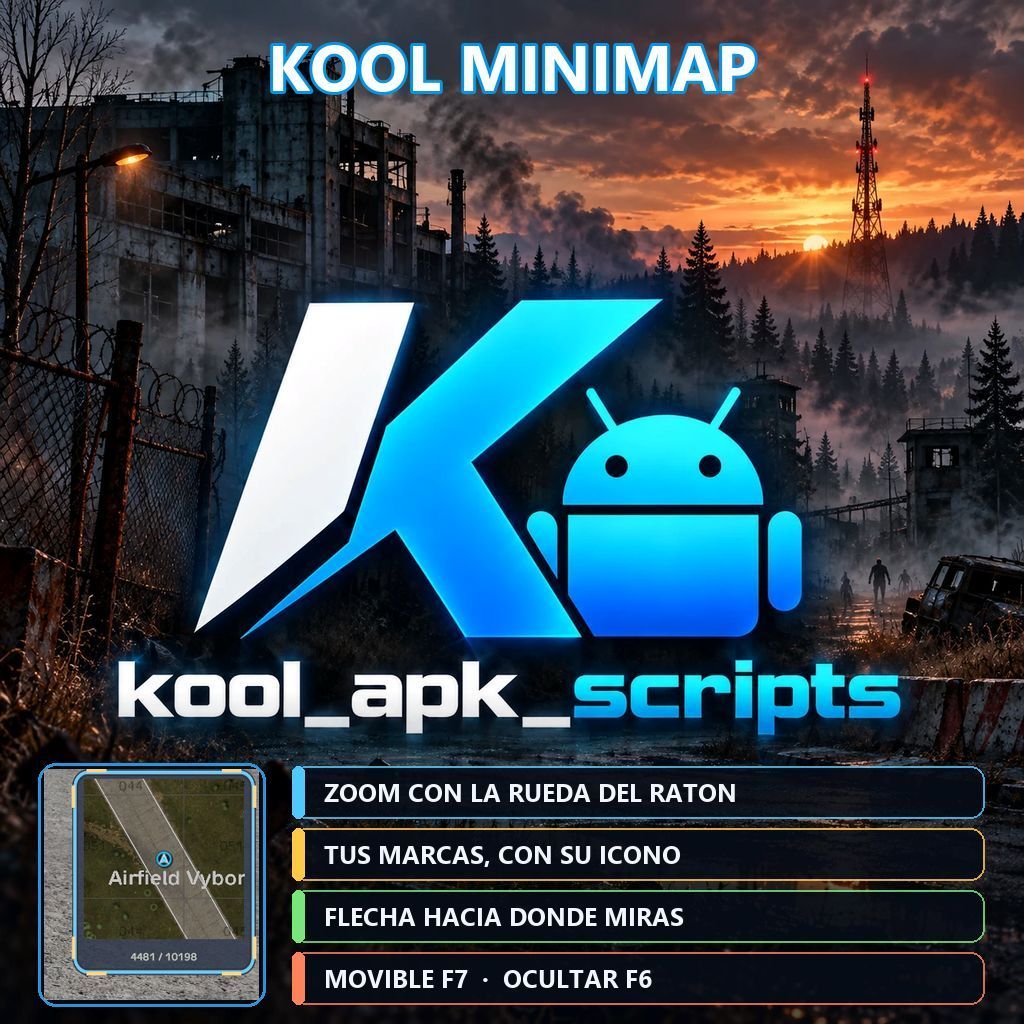
KOOL MINIMAP Minimapa con marco, movible, con zoom y compatible con DayZ Expansion. ESPAÑOL Qué hace F6 muestra u oculta el minimapa. F7 activa el modo mover: arrastra el minimapa por la pantalla y haz zoom con la rueda del ratón. Mientras está activo, la cámara del personaje queda bloqueada. Al volver a pulsar F7 se guardan la posición y el zoom. Flecha que gira hacia donde miras. Marcas de DayZ Expansion… (more)
KOOL MINIMAP Minimapa con marco, movible, con zoom y compatible con DayZ Expansion. ESPAÑOL Qué hace F6 muestra u oculta el minimapa. F7 activa el modo mover: arrastra el minimapa por la pantalla y haz zoom con la rueda del ratón. Mientras está activo, la cámara del personaje queda bloqueada. Al volver a pulsar F7 se guardan la posición y el zoom. Flecha que gira hacia donde miras. Marcas de DayZ Expansion Navigation con su icono y color originales: tus marcas personales, las del grupo, las marcas rápidas, tus compañeros y las del servidor. Las marcas que quedan fuera de la vista se pegan al borde del minimapa, en su dirección. Coordenadas en pantalla. API para otros mods, para añadir marcas sin depender de Expansion. Instalación en el servidor Añade KOOL Minimap a la línea -mod=, después de DayZ Expansion (Core, Groups y Navigation). Copia kool_minimap.bikey a la carpeta keys del servidor. El mod es necesario en servidor y cliente. Arranca una vez y reinicia: la configuración se crea sola en profiles/KOOL_Minimap/config.json. Configuración (config.json) Enabled, VisibleByDefault: activar el minimapa y si empieza visible. Zoom, UpdateIntervalMs: zoom inicial y frecuencia de actualización. ShowCoordinates, ShowOwnMarker: coordenadas y flecha del jugador. ShowPersonalMarkers, ShowPartyMarkers, ShowServerMarkers, ShowCompanions: qué marcas de Expansion se muestran. ShowExternalMarkers: marcas añadidas por otros mods con la API. Markers: marcas fijas definidas por el administrador. Compatibilidad Probado con DayZ Expansion Core, Groups y Navigation. Funciona también sin Expansion, pero las marcas de Expansion solo se leen si está instalado. No incluye modelos ni texturas de terceros. ENGLISH Features F6 shows or hides the minimap. F7 enables move mode: drag the minimap around the screen and zoom with the mouse wheel. The player camera is locked while it is active. Press F7 again to save position and zoom. Arrow that rotates to where you are looking. DayZ Expansion Navigation markers with their original icons and colors: your personal markers, party markers, quick markers, party members and server markers. Markers outside the view are pinned to the minimap border, in their direction. On-screen coordinates. API for other mods, to add markers without depending on Expansion. Server installation Add KOOL Minimap to the -mod= line, after DayZ Expansion (Core, Groups and Navigation). Copy kool_minimap.bikey to the server keys folder. The mod is required on server and client. Start once and restart: the configuration is created automatically in profiles/KOOL_Minimap/config.json. Compatibility Tested with DayZ Expansion Core, Groups and Navigation. It also runs without Expansion, but Expansion markers are only read when it is installed. No third-party models or textures are included. KOOL APK SCRIPTS
Not analyzed yet
modperf has not read this mod's scripts, so there is no report and it is left out of any stack it appears in. 4 live servers in the crawl publish it.
The worker downloads the mod from the Workshop and reads its Enforce Script — nothing is executed. Usually a few minutes. This page then shows the report.