Big G' Admin
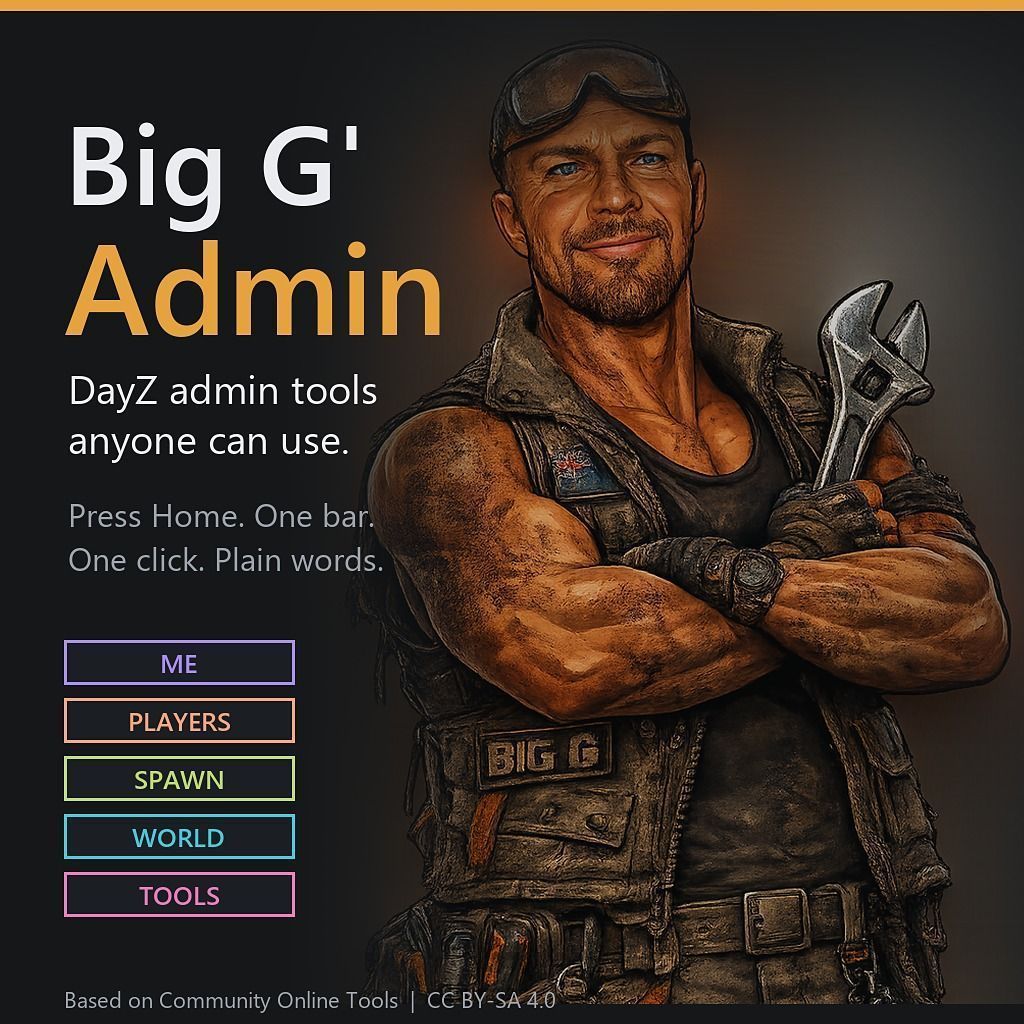
Big G' Admin DayZ admin tools anyone can use. Press Home and a bar slides down from the top of the screen. One click does the job, and the words are plain. What's in the bar Quick buttons: God, Invisible, Heal me, Zoom (teleport to where you look), Go back, Fix car, Noon, Night, Clear, Rain, Party mode, Map, Camera, ESP. One search box that finds anything: an item, a player, a place or an action. Press Enter for the… (more)
Big G' Admin DayZ admin tools anyone can use. Press Home and a bar slides down from the top of the screen. One click does the job, and the words are plain. What's in the bar Quick buttons: God, Invisible, Heal me, Zoom (teleport to where you look), Go back, Fix car, Noon, Night, Clear, Rain, Party mode, Map, Camera, ESP. One search box that finds anything: an item, a player, a place or an action. Press Enter for the top result. Five colour-coded sections, each a single drop-down panel. No menus inside menus. ME: your powers (always shown ON or OFF) and quick fixes. PLAYERS: go to, bring here, heal, watch, freeze, message. Kick and Ban always ask first. SPAWN: groups, favourites, recent, at your feet or in your bag. WORLD: time, weather, Party mode, saved spots. TOOLS: the full admin windows when you need them. Map: a big map right under the bar. Double-click anywhere to teleport. ESP: one ON/OFF, pick what to show, pick how far. Esc always backs out one step. The bar hides itself after an action, or press Pin to keep it open. A small strip reminds you when God or Invisible is still ON. Delete key: look at an item and press Delete. It tells you what it is first. Press Delete again within 4 seconds to delete it. Reaches 3 m on foot, 50 m from the Camera. No more End or Y keys. Everything is in the bar. Make yourself admin Find your Steam64 ID: a 17-digit number starting with 7656. Paste your Steam profile link into steamid.io to get it. On the server, open your profile folder (the folder set by -profiles=, often called profiles, ServerProfile or SC) and go into PermissionsFramework\Players. Start the server once with the mod if that folder isn't there yet. Make a new file named your Steam64 ID + .json, for example 76561198000000000.json, containing exactly: { "Roles": [ "admin" ] } Join the server (or leave and rejoin) and press Home. Done. Repeat for each admin. The server renames the file to its own ID the first time they join; that's normal. Everyone else stays a normal player: Home does nothing for them, and the server re-checks every admin action. Install Needs CF (Community Framework). Load it first: -mod=@CF;@BigGAdmin Run it instead of Community Online Tools, never both. It replaces COT and keeps COT's internal names, so mods built to work with COT still find it. Copy the key from @BigGAdmin/keys into your server's keys folder. Admins need the permission Admin.QuickMenu.View. Roles that already have COT's Admin permission get it automatically. Permissions live in ServerProfile/PermissionsFramework, as with COT. Credits and licence Big G' Admin is a modified version of Community Online Tools by Jacob_Mango, DannyDog, Arkensor, LiquidRock and LieutenantMaster, and the COT team. All credit for the tools underneath goes to them. Changes by Big Grampa: the slide-down admin bar, search, sections, Map and ESP panels, the Big G' ToolZ look and icons, a two-press Delete key, and a fix for notifications that stayed on screen. Licensed under CC BY-SA 4.0, the same licence as Community Online Tools. Made for PVE Friendly Australia. Weekly DayZ modding podcast, free tutorials and Big G' ToolZ. Come say g'day on the [url=https://discord.g
Not analyzed yet
modperf has not read this mod's scripts, so there is no report and it is left out of any stack it appears in. 1 live server in the crawl publishes it.
The worker downloads the mod from the Workshop and reads its Enforce Script — nothing is executed. Usually a few minutes. This page then shows the report.